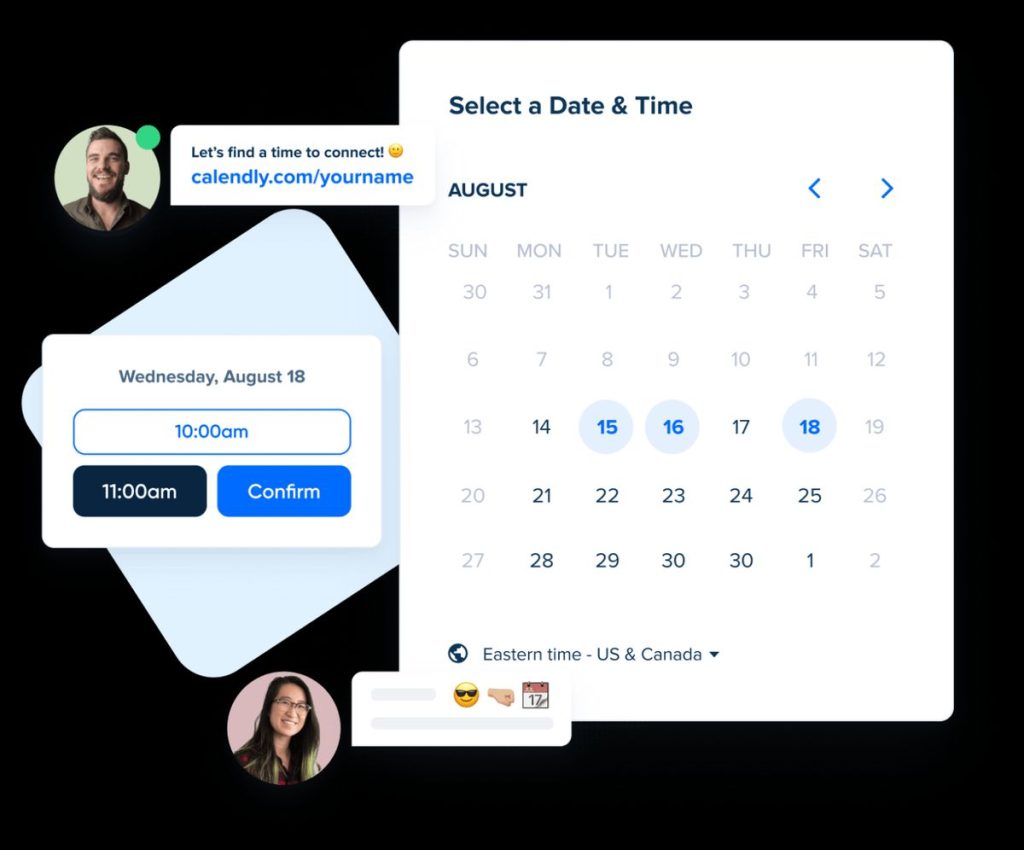
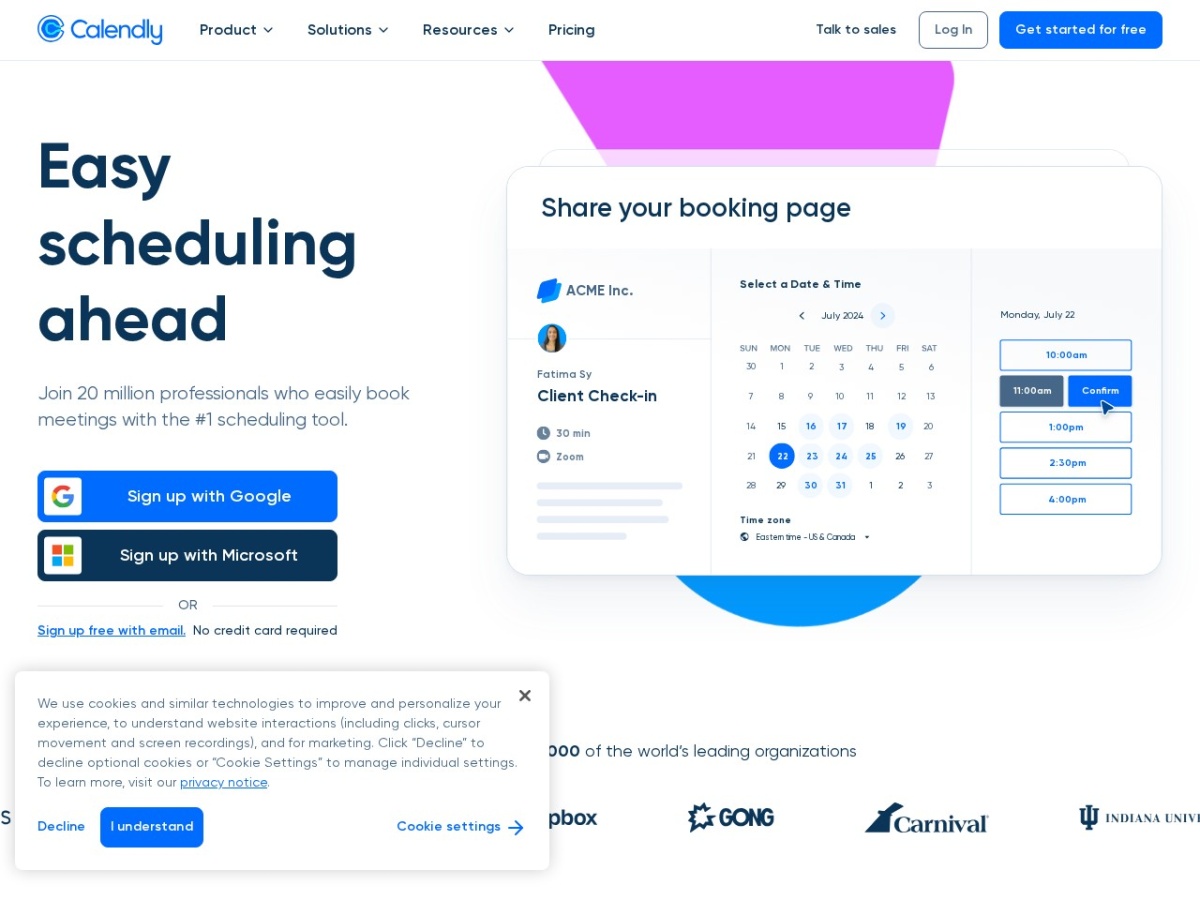
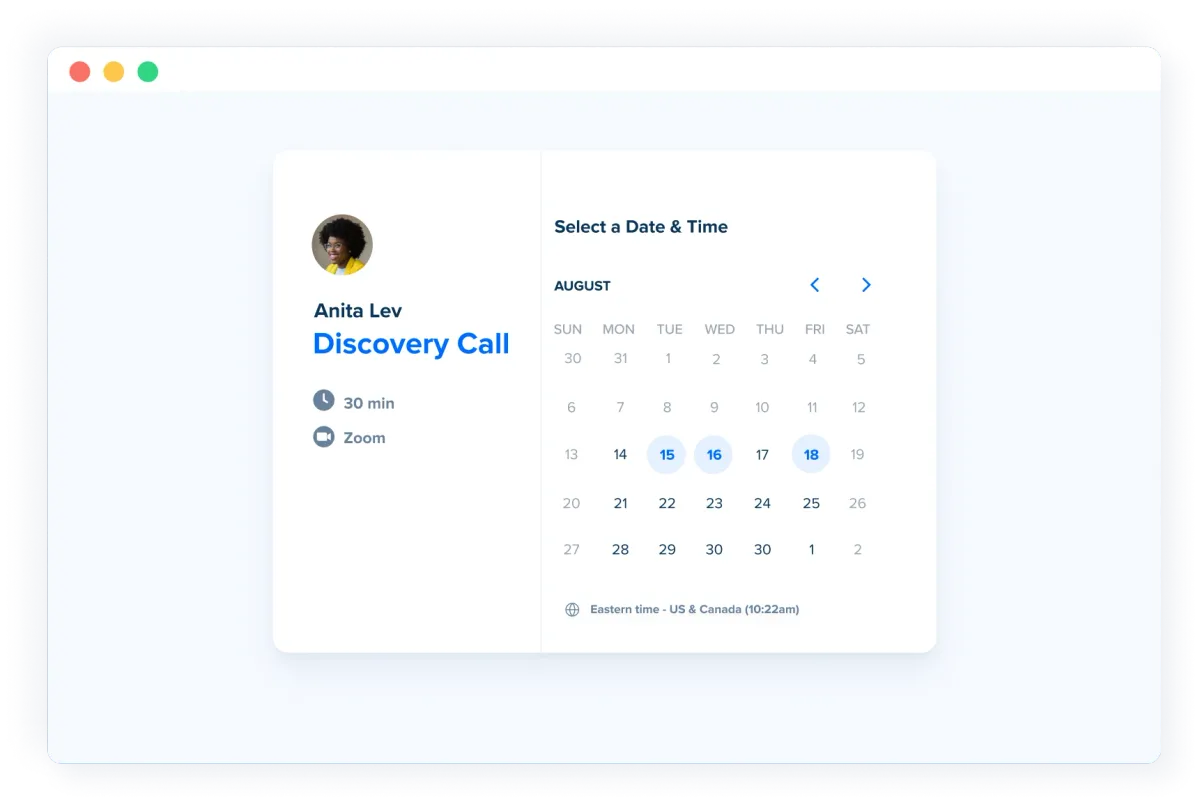
Calendly won by making one verb effortless: book. A link that shows your real availability, lets anyone pick a slot, and handles time zones, buffers, reminders and video links automatically — the email tennis of scheduling, retired. The product has since grown teams-scale muscle (round-robin routing, collective events, meeting polls, workflows, routing forms) while pricing stays simple: free for one event type, Standard ~$10-12/user/month, Teams ~$16-20, enterprise above.
Its category is now crowded with free-enough rivals, which sharpens the question this review answers: what does the incumbent still do better, and who should pay for it.
Our verdict: still the category's reliability-and-polish leader, and the automatic choice for client-facing teams where a booking page is revenue plumbing. Solo users with simple needs have credible free alternatives — including Calendly's own tier. Score: 8.4 / 10.
→ Try Calendly — see current pricing
What makes Calendly different
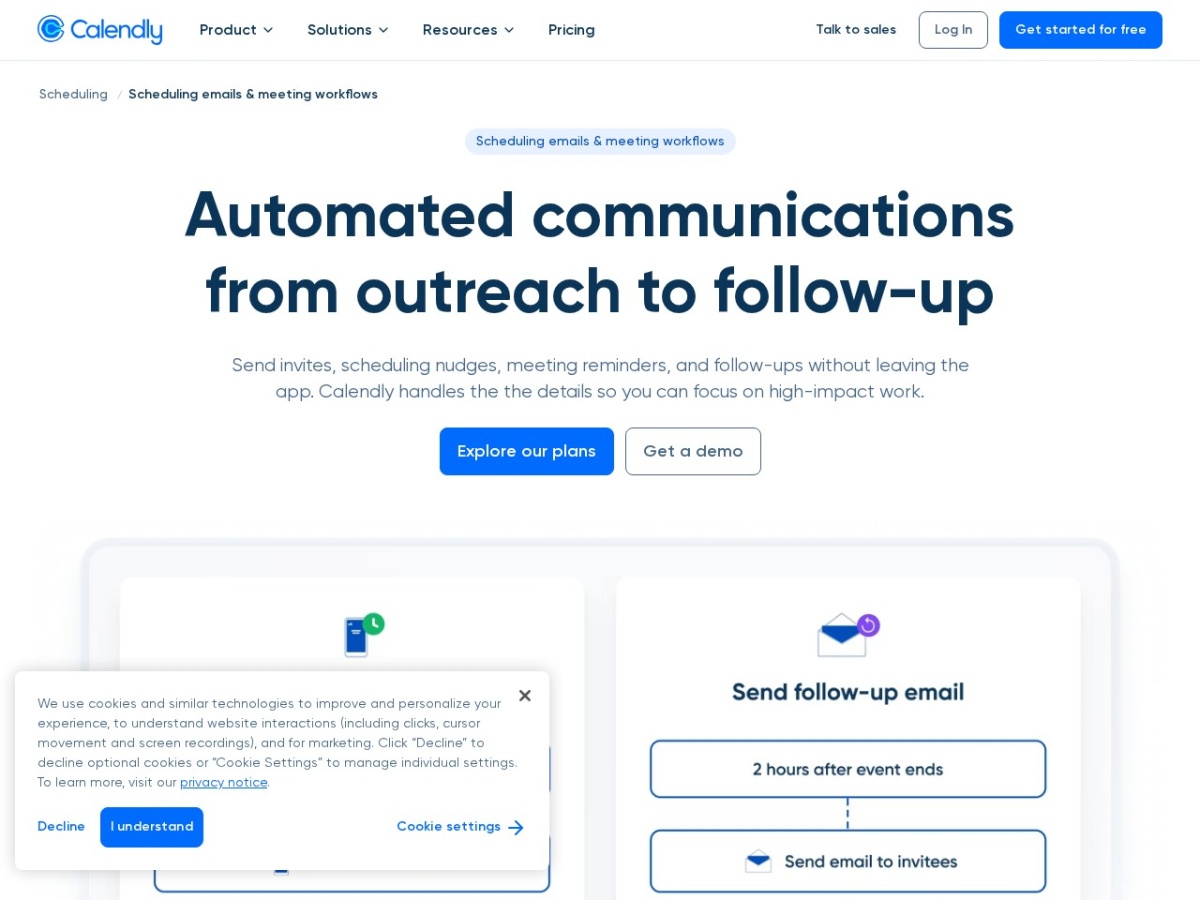
Trust at the edges: time-zone handling that never misfires, calendar-conflict checking across multiple connected calendars, and a booking page recipients recognise and do not hesitate on — conversion details that cheaper rivals fumble. The team layer is the real product now: round-robin with weighting and priority, routing forms that qualify before booking (budget question → right rep's calendar), collective events for panel scheduling, and workflows automating the before-and-after (reminders, follow-ups, no-show sequences) that decide whether meetings actually happen.
Pricing
| Plan | Price (annual) | The unlock |
|---|---|---|
| Free | $0 | One active event type, core booking — genuinely useful |
| Standard | ~$10/user/mo | Unlimited event types, workflows, integrations |
| Teams | ~$16/user/mo | Round-robin, routing, Salesforce, admin |
| Enterprise | custom | SSO, provisioning, advanced security |
The per-seat arithmetic for revenue teams: one recovered no-show or one faster-routed lead per month covers a seat — which is why sales orgs treat the Teams tier as pipeline infrastructure, not office supplies.
The daily experience
Setup to first booking runs fifteen minutes: connect calendars, set availability rules, share the link. The disciplines that separate professional use: buffers before and after (back-to-backs are self-sabotage), minimum-notice rules (same-hour bookings ambush focus), and the browser extension for dropping specific times into emails — the feature that answers the "sending a link is rude" etiquette debate by offering times inline instead. Workflows quietly move the needle most: a reminder-plus-reschedule-link sequence measurably cuts no-shows.
Calendly vs Cal.com vs the built-ins
Against Cal.com: the open-source challenger matches core features, undercuts on price, and offers self-hosting — the developer-and-privacy crowd's pick; Calendly answers with polish, reliability at scale and the enterprise checklist. Against Google/Outlook built-in booking pages: fine for simple internal use, feature-thin for client-facing flows (no routing, weak workflows, limited branding). Against "just email me times": the control group every team silently runs — and the one the no-show statistics argue against.
Pros, cons and limits
Pros: category-best reliability and recipient trust; strong team routing; workflows that cut no-shows; deep integration catalogue; useful free tier; clean admin at scale.
Cons: per-seat cost stacks across large orgs; advanced features gate at Teams+; branding control is modest below enterprise; power users hit customisation ceilings; the link-sending etiquette debate never fully dies.
Calendly deals
Free tier permanent; annual billing ~20% off. Trial Teams features with the actual routing scenario, not the demo one.
Routing forms: the feature that pays for the Teams tier
The qualification layer deserves the deep-dive, because it is where scheduling software becomes revenue software. A routing form asks visitors two or three questions before showing any calendar — company size, budget band, need category — and routes on the answers: enterprise prospects to the senior AE's calendar, mid-market to round-robin, wrong-fit visitors to a resources page instead of a meeting that wastes both sides' hour. The compounding effects: rep calendars fill with qualified conversations (the morale and quota difference between ten good meetings and twenty mixed ones), speed-to-meeting drops for the prospects who matter (the highest-intent visitor books the soonest slot instead of waiting for an SDR email chain), and the routing data itself becomes funnel analytics — which segments book, which bounce, which questions predict shows. Integration with enrichment (form data flowing to the CRM before the meeting) means reps open calls briefed instead of cold. The honest scoping: routing value scales with inbound volume — a team fielding five demo requests weekly configures it in an hour and wonders how the calendar chaos was ever normal; a two-person shop with weekly inbound can stay on Standard without loss.
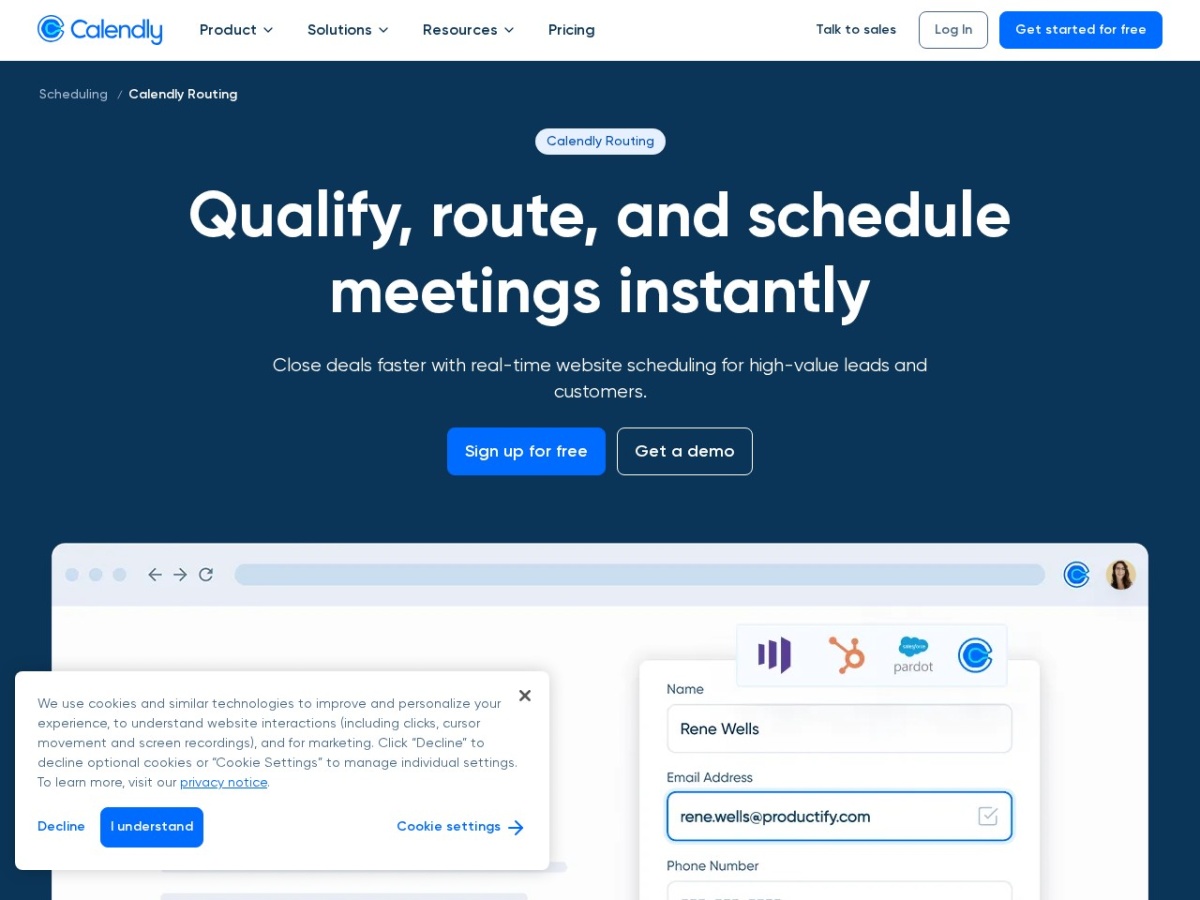
The configuration craft: keep forms to three questions maximum (each added field costs completion rate), make the disqualification path generous (resources, async options — the wrong-fit visitor today is the right-fit referrer tomorrow), and A/B the question order — budget questions convert differently at position one versus three, measurably.
Workflows: the no-show killer, mechanised
The before-and-after automation layer deserves its numbers. The standard stack: confirmation email at booking, reminder at 24 hours, SMS reminder at one hour with a reschedule link, follow-up with next steps after completion, and a re-engagement nudge after no-shows. The reschedule link inside reminders is the load-bearing detail — no-shows are mostly life-happens events, and offering the exit converts silent absence into a rebooked slot; teams report no-show rates dropping by a third to half once the sequence runs. Post-meeting workflows carry the revenue motion: thank-you-plus-booking-link after discovery calls, feedback requests after service appointments, review requests after completed engagements — the follow-through layer that individual discipline performs inconsistently and automation performs always. Configuration lives at the event-type level, so the sales demo, the support call and the coaching session each run their own choreography. The restraint note: every additional touch trades goodwill for compliance — the three-touch standard (confirm, remind, follow up) wears well; the six-touch gauntlet reads as spam and trains invitees to ignore the channel.
The integration surface: scheduling as connective tissue
Calendly's catalogue reads mundane and operates as infrastructure. CRM sync (HubSpot, Salesforce) logs meetings to contacts and deals automatically — pipeline stages advancing on booked events, the automation sales ops builds first. Video conferencing (Zoom, Meet, Teams) provisions links per event type without thought. Payment collection (Stripe, PayPal) gates paid consultations behind checkout — the freelancer's deposit-taking machine, eliminating the no-show-after-free-booking genre entirely. Embeds put booking pages inside websites and email signatures; the browser extension drops availability into any compose window; and the API/webhook layer feeds custom operations — the logistics-and-operations audiences of this site route booking events into staffing spreadsheets and capacity dashboards without engineering projects. The pattern across all of it: Calendly rarely does anything alone — it stands between calendars, CRMs, payment rails and communication tools, translating; and connective software is judged on reliability precisely because everything downstream inherits its failures. This is the reliability the incumbent premium buys, and the category's switching inertia is rational for exactly this reason.
Etiquette, resolved with data
The perennial "booking links are rude" discourse deserves the operational answer. The research and the field reports agree on the pattern: resistance concentrates in first-contact and status-sensitive contexts (cold outreach to seniors, early relationship stages) and evaporates in service and repeat contexts (clients booking their consultant, candidates booking interviews, customers booking support). The professional playbook follows the pattern: for cold and senior audiences, offer times inline (the extension's time-insertion feature exists precisely for this — three concrete slots in the email body, link as convenience below); for established relationships and inbound demand, the bare link is not merely acceptable but preferred — the recipient's two clicks beat the four-email alternative they have also lived. The deeper reframe most etiquette debates miss: the link transfers control, not labour — the recipient picks the time that suits them without negotiation rounds — and framing it that way in the accompanying sentence ("so you can grab whatever slot actually works for you") converts the perceived power move into visible courtesy. Tools amplify manners in either direction; the sentence around the link is where the manners live.
Calendly for freelancers and service operators
The solo case, priced concretely. A freelancer's configuration: a free-tier discovery call event, or Standard's ~$10 unlocking the paid-consultation event (Stripe-gated, deposit-taking), the intake questions that pre-qualify (project type, budget, timeline — answered before the call, not during its first fifteen minutes), and the workflow stack that confirms, reminds and follows up in the operator's voice while they work. The billable-time arithmetic: scheduling admin for a ten-client month runs hours of email tennis; the automation returns them, and the deposit gate alone typically pays the year's subscription in one prevented no-show. The positioning effect compounds quietly — instant professional booking with intake and payment reads as an established operation regardless of headcount, and in trust-priced markets (consulting, coaching, creative services) the perceived infrastructure is part of the pitch. For the Vietnamese freelance market serving international clients, the time-zone reliability is the killer detail: the booking page negotiates Hanoi-to-New-York arithmetic flawlessly, which is one entire category of embarrassing error deleted from the client relationship.
Admin at scale: the unglamorous moat
Where the incumbent earns enterprise renewals is the layer competitors demo least: administration. Managed event templates push standardised booking experiences across hundreds of users (the compliance-approved intake questions, the correct buffers, the brand voice) with locked fields preventing entropy; user provisioning through SSO/SCIM handles the joiner-mover-leaver cycle without manual seat hygiene; analytics roll up booking volume, no-show rates and routing outcomes by team — the utilisation data that resource planning actually uses; and the security review passes (SOC 2, GDPR posture, data residency options at enterprise) that procurement runs once and then stops asking about. None of this matters at five seats and all of it decides at five hundred, which explains the market's shape: challengers win individuals and small teams on price, the incumbent keeps organisations on administrative gravity — and both are correct for their buyers. The mid-market inflection where the calculus flips: roughly when someone becomes responsible for other people's booking pages — the moment scheduling becomes a managed system rather than a personal tool, the admin layer starts billing its worth.
Final synthesis: Calendly invented a category, kept it through the copycat wave on reliability and polish, and now defends it with routing intelligence, workflow automation and administrative depth that convert scheduling from courtesy feature to revenue infrastructure. The free tier serves the casual case forever; the paid tiers price against email tennis and no-shows, which lose the comparison every time it is honestly run. The two-week audit closes the question with your own numbers — and the boring incumbent, as usual in infrastructure, wins the audit it invented. Score: 8.4 / 10.
Calendly's AI additions: scheduling learns to think
The AI layer arriving across tiers deserves a measured read. The useful pieces: smart availability suggestions (learning your meeting patterns and protecting focus blocks), no-show risk scoring that triggers heavier reminder sequences for risky bookings, and meeting-prep briefs assembling invitee context from connected tools before each call. The marketing pieces: anything promising to "transform" what remains, at core, solved calendar arithmetic. The strategic signal matters more than the features — the incumbent is spending on the layer where routing intelligence and workflow automation converge, which is precisely where the enterprise moat deepens next. For buyers today: none of the AI justifies a tier jump alone; all of it sweetens tiers already justified by routing and workflows.
The competitive watchlist: what could unseat the incumbent
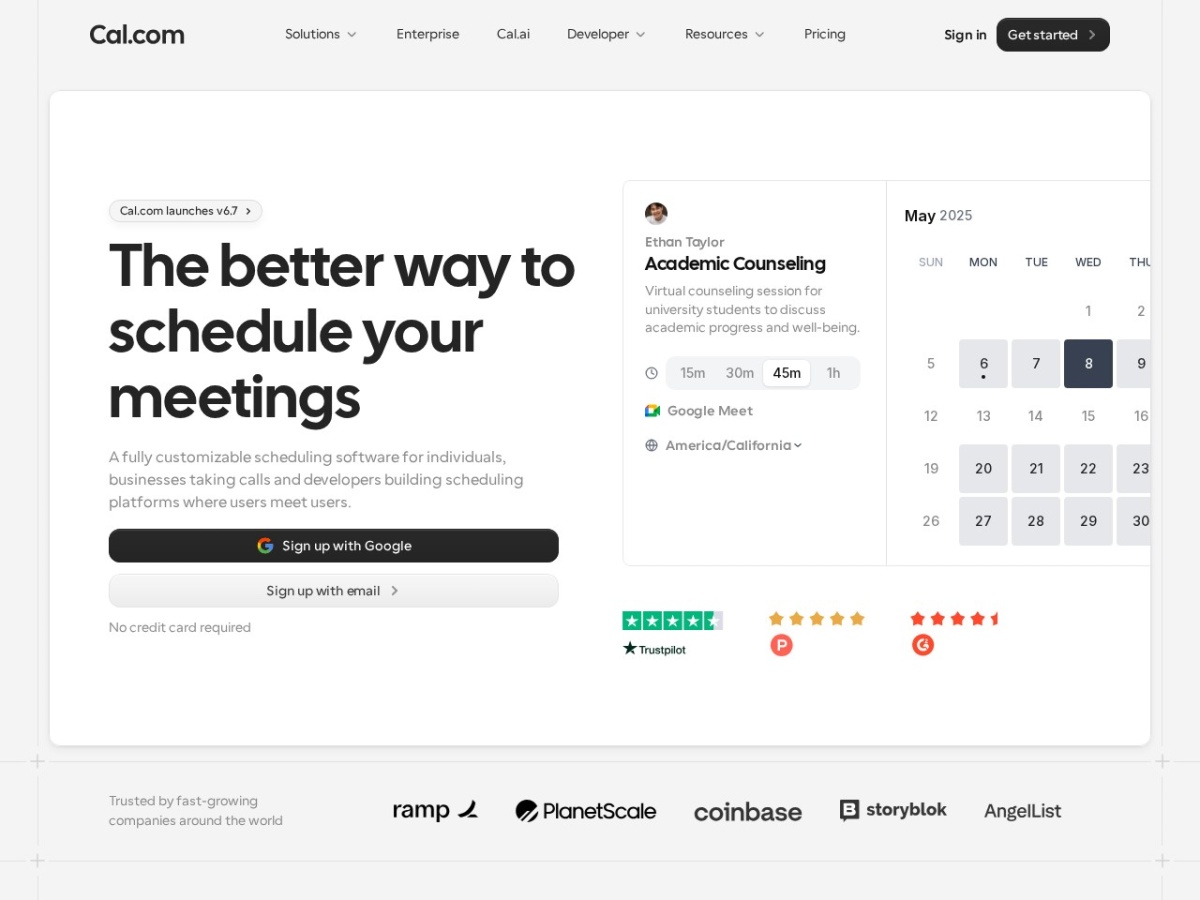
Due diligence includes naming the threats. Cal.com's open-source trajectory keeps improving and its developer-first API story wins the embedded-scheduling market Calendly serves less nimbly; the platform-native booking pages (Google and Microsoft bundling scheduling into workspace licences) erode the bottom of the market a feature at a time; and the AI-assistant future — where your agent negotiates times with their agent — would commoditise the booking page entirely if it arrives at consumer scale. The incumbent's counter-positions: enterprise administrative gravity, the integration lattice, and the routing-workflow layer that plain booking pages lack. The realistic read for a buyer's three-year horizon: the category consolidates upward into revenue-scheduling infrastructure — exactly the direction Calendly's investment points — while the commodity booking link becomes free everywhere. Buy the top layer, expect the bottom one bundled.
FAQ
Is the free plan enough?
For one recurring meeting type — coffee chats, office hours — yes indefinitely. The ceiling arrives with the second event type or first workflow.
Calendly or Cal.com?
Cost-sensitive, technical, or self-hosting: Cal.com. Client-facing revenue team wanting zero surprises: Calendly. Both are good; the buyers differ.
Does it work across time zones reliably?
This is precisely the incumbent's moat: yes, boringly, every time — including DST edges that trip homegrown solutions.
Can it qualify leads before booking?
Routing forms on Teams: answers route to the right calendar, wrong-fit visitors route to resources instead of meetings — sales ops' favourite feature.
Is sending a booking link impolite?
Context decides: offer times inline via the extension for first contact and senior audiences; the bare link is fine once a relationship exists. Tools do not fix manners either way.
The two-week scheduling audit
Week one: instrument the status quo — count scheduling emails sent, days-to-booked, and no-shows across the team; the baseline is always worse than assumed. Week two: Standard trial with buffers, two event types and the reminder workflow; same counts. The delta — typically hours of admin recovered and a visible no-show drop — prices the seats in your own currency. Scheduling is the rare category where the ROI measurement takes a fortnight and the answer rarely surprises: the boring, reliable incumbent usually wins the audit it invented. Score: 8.4 / 10.