I’ve sat through more back-to-back Zoom calls than I care to admit, and for a long stretch of that time I was the person frantically typing half-sentences while trying to nod along. Otter.ai was one of the first tools that actually let me put the notepad down. It’s an AI meeting assistant that transcribes calls in real time, auto-joins your Zoom, Google Meet, or Microsoft Teams meetings, and then hands you a summary with action items before you’ve even closed your laptop.
I spent several weeks running Otter across a mix of internal standups, client calls, and a couple of chaotic multi-person brainstorms to see where it holds up and where it starts to wobble. This review covers what it does well, where the free plan runs thin, what the paid tiers actually buy you, and how it stacks up against Fireflies.ai and Fathom — the two tools most people compare it to.
If you just want the short version: Otter is a strong, mature product for live transcription and collaborative meeting notes, particularly if you’re already inside the Google/Zoom/Teams ecosystem. It’s not the cheapest or the most generous free tier in the category anymore, and it has had some public scrutiny over its data practices that’s worth knowing about before you invite a bot into every meeting on your calendar. Try Otter.ai and see how it handles your own meetings before committing to a paid plan.
AnalyzeBench Score: 8.3 / 10
Best for: Individuals and small-to-midsize teams who want reliable live transcription, auto-joining meeting notes, and collaborative summaries across Zoom, Google Meet, and Microsoft Teams.
What we loved:
- Real-time transcription that’s genuinely readable while a meeting is still happening, not just after the fact
- OtterPilot (now folded into the Otter Meeting Agent) auto-joins calls from your calendar without you lifting a finger
- AI meeting summaries and action items are generated within a minute or two of the call ending
- Otter AI Chat lets you ask follow-up questions against past meetings instead of re-reading transcripts
- Live collaborative notes mean teammates can highlight, comment, and tag action items during the call itself
Watch out for:
- The free Basic plan caps out at 300 minutes a month with a 30-minute limit per conversation — noticeably tighter than some competitors
- Accuracy drops in crosstalk-heavy meetings, group calls with strong accents, or noisy environments
- Action item detection can feel generic and sometimes needs manual cleanup
- Auto-join bots showing up uninvited in calls has drawn criticism and, per some reports, legal scrutiny over consent and data use
- Deeper CRM and workflow integrations lag behind sales-focused competitors like Fireflies.ai
What makes Otter.ai different
The AI notetaker category has gotten crowded fast, and it’s easy to assume every tool in it does roughly the same thing: join a call, spit out a transcript, summarize it. Otter’s edge is that it was built around live collaboration from the start, not just after-the-fact summarization. During a call, the transcript updates in real time and anyone in the meeting with access can highlight a line, drop a comment, or flag something as an action item while it’s still being said — not after the recap lands in your inbox.
That real-time layer is also where Otter’s Meeting Agent (the feature most people still call OtterPilot out of habit) earns its keep. It reads your calendar, detects the meeting link, and joins Zoom, Google Meet, or Microsoft Teams calls on your behalf, even if you’re double-booked or running five minutes late. Combined with Otter AI Chat, which lets you query your own meeting history in plain language, it starts to feel less like a transcription tool and more like a searchable memory layer for every conversation your team has had.
Where it’s less differentiated is depth of business-process integration. If your priority is feeding meeting data into Salesforce or HubSpot pipelines, Otter can do it, but tools built specifically for sales teams tend to go further. Otter’s strength is being the more general-purpose, collaboration-first option — which is exactly why it tends to be the default pick for teams whose meetings aren’t purely sales calls. Try Otter.ai for a few of your own recurring meetings and you’ll get a feel for this fast.
The other thing worth naming honestly: Otter has been in the market long enough to have ironed out a lot of the rough edges newer entrants are still working through. Speaker identification, calendar sync, and the mobile app all feel like a product that’s had years of iteration, not a v1.
The core features
Otter’s feature set breaks down into a handful of pillars that show up across every plan tier, though how much of each you get scales with what you pay. Here’s what actually matters day to day.
Live Transcription
This is still Otter’s foundation. Speech is converted to text in real time, with automatic speaker labels based on voice recognition and calendar participant data. In quiet, single-speaker-at-a-time conditions it’s genuinely impressive — close to publication-ready. Where it gets shakier is overlapping speech, strong regional accents, or a noisy home office in the background; expect to do light editing on anything you plan to share externally.
OtterPilot / Meeting Agent
The auto-join bot connects to your Google or Outlook calendar and joins scheduled Zoom, Google Meet, or Microsoft Teams meetings automatically. It shows up as a visible participant, records audio, transcribes live, and captures slide screenshots when someone shares their screen. It’s a genuine time-saver, though it also means you need to be deliberate about which meetings you actually want a bot sitting in on.
AI Meeting Summary
Within a minute or two of a call ending, Otter generates a structured summary with key topics and takeaways. It’s a solid first draft for sending a recap to people who missed the call, though in longer or more meandering meetings the summary can read as slightly generic until you tighten it up yourself.
Otter AI Chat & Action Items
Otter automatically flags likely action items during transcription, and Otter AI Chat lets you ask follow-up questions against your meeting history — “what did we decide about the Q3 budget last Tuesday?” — instead of scrolling back through transcripts. Action item detection is useful but not perfect; treat it as a first pass, not a final task list.
Integrations
Otter connects with Zoom, Google Meet, Microsoft Teams, Google Calendar, Outlook Calendar, Salesforce, Slack, and Zapier for broader automation, plus an emerging Otter MCP server that lets AI assistants like Claude or ChatGPT query your meeting data directly. It’s a reasonably broad set, though it’s not as CRM-deep as tools purpose-built for sales workflows.
Collaboration
Otter’s Channels let teams organize meeting notes by project or topic, share transcripts with specific people, and comment inline. This is arguably Otter’s most underrated feature — it turns a pile of individual meeting recordings into something closer to a searchable team knowledge base.
Plans & pricing
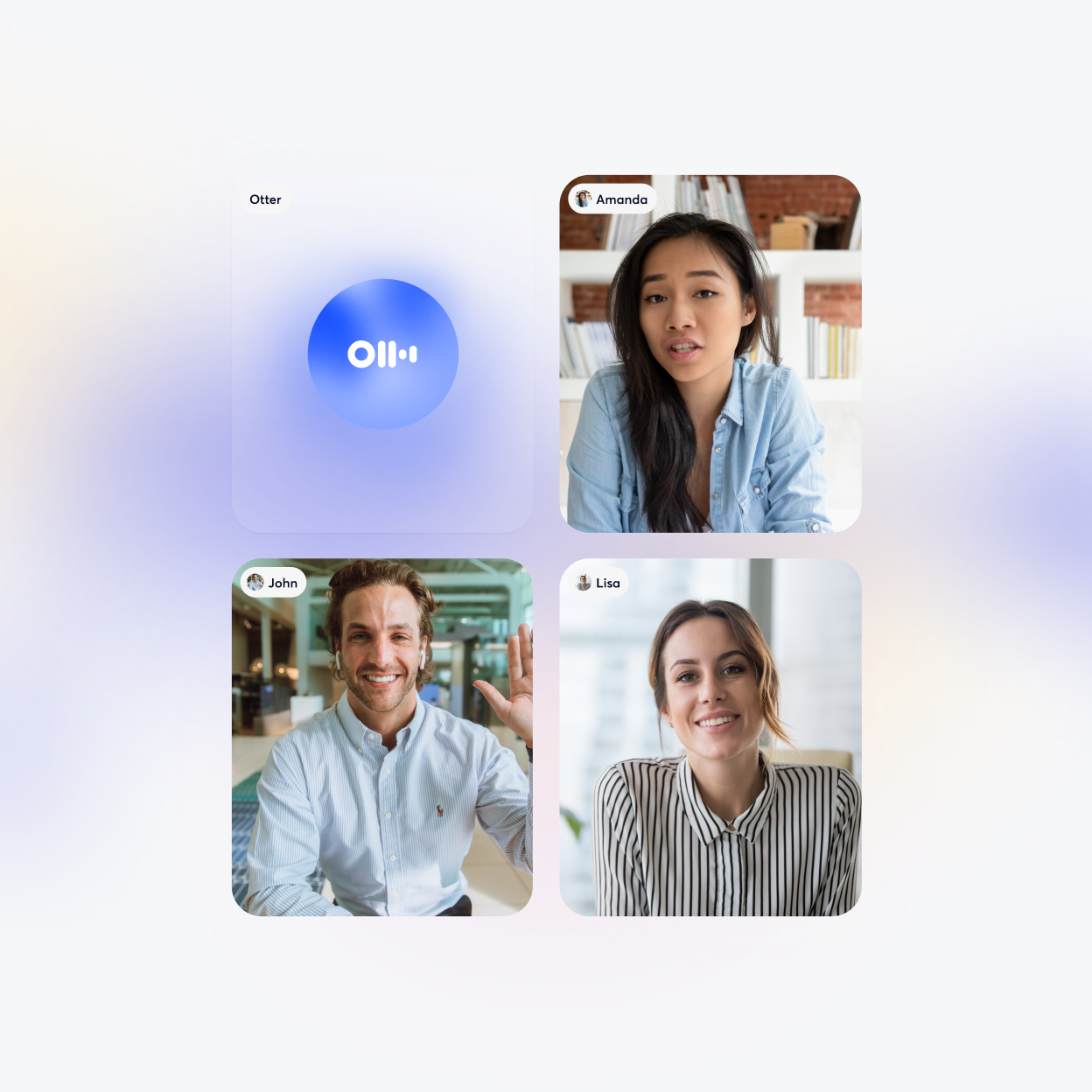
Otter’s pricing has shifted more than once over the past couple of years, and vendors in this space adjust minute allowances and tier names fairly often, so treat the numbers below as a snapshot rather than gospel — always confirm current details on Otter’s pricing page before you buy.
Basic (Free)
The free tier reportedly includes around 300 transcription minutes per month, with roughly a 30-minute cap per individual conversation and a small number of lifetime file imports. It’s enough to get a real feel for the product, but if you’re in back-to-back meetings most days, you’ll hit the ceiling within a couple of weeks.
Pro
Aimed at individuals and freelancers, Pro appears to run somewhere in the $8-$17/month range depending on whether you pay annually or monthly, with monthly minute allowances typically cited around 1,200 minutes and roughly 90 minutes per call. This is the tier most solo users and consultants land on.
Business
Built for teams, Business pricing is generally quoted per user per month (commonly cited in the high-teens to low-$30s range depending on billing cycle), and removes the monthly minute cap in favor of a longer per-meeting ceiling. It adds admin controls, usage analytics, and centralized billing for teams roughly in the 5-25 person range.
Enterprise
Custom pricing, quoted by some sources anywhere from roughly $6,000 to $35,000+ per year depending on team size and needs. This tier adds SSO, HIPAA-eligible configurations, custom CRM/dialer integrations, Otter Sales Notetaker, and a dedicated customer success contact. If you’re evaluating this tier, get a live quote — published estimates vary widely and Otter’s enterprise sales team will scope it to your organization.
Whatever tier you’re eyeing, it’s worth running your own numbers against your actual meeting volume before upgrading. Try Otter.ai on the free plan first to see how fast you burn through the monthly minutes.
How to get the best value
A few practical ways to get more out of Otter without overpaying. First, pay annually if you’re confident you’ll stick with it — the annual-vs-monthly gap on the Pro plan is substantial, often cutting the effective monthly cost by roughly half. Second, before upgrading, actually track how many transcription minutes you use in a typical month on the free plan; a lot of people assume they need Business tier unlimited minutes when Pro’s allowance would cover them comfortably. Third, use Channels to organize recurring meetings by project from day one — retrofitting organization onto months of unsorted transcripts is a headache you can avoid. Finally, if you’re on a team, loop in whoever owns the calendar integration early; Meeting Agent auto-join only works cleanly when calendar sync is set up correctly across everyone’s accounts, and half-configured setups are the most common source of “why didn’t Otter join my call” complaints.
Watch: Otter.ai in action
If you’d rather see the interface in motion before signing up, this walkthrough covers the live transcription view, summary generation, and mobile app in a real session.
Otter.ai vs alternatives
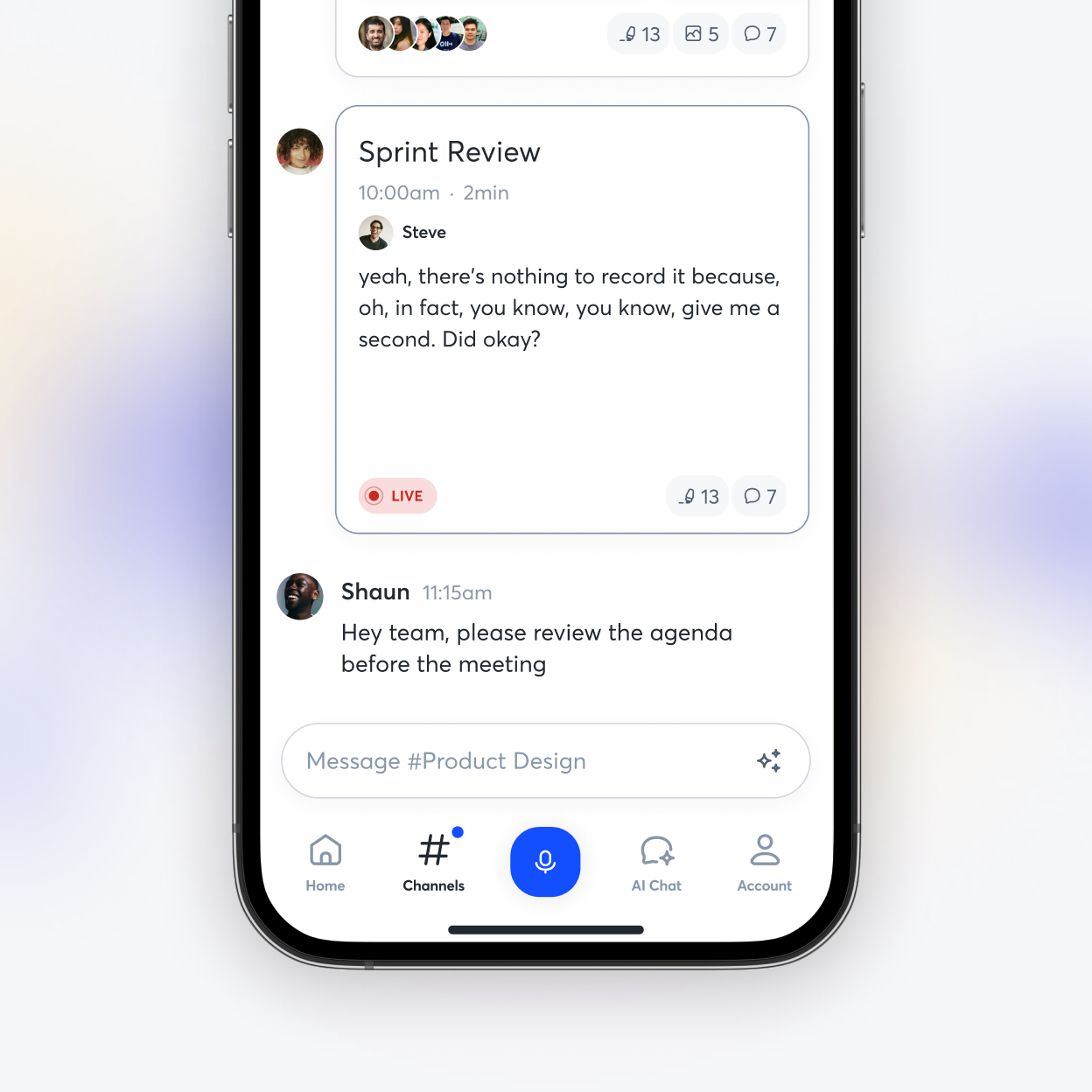
Otter isn’t the only AI notetaker worth considering, and depending on what you value most — price, sales integrations, or raw simplicity — one of its two biggest rivals might suit you better. Fireflies.ai leans hardest into sales workflows and cross-meeting analytics, while Fathom has built its reputation on a genuinely free, unlimited individual tier and near-instant summaries.
| Tool | Best for | Standout strength | Free option |
|---|---|---|---|
| Otter.ai | Real-time collaborative meeting notes | Live transcript editing & team Channels | ~300 min/month, 30 min/call cap |
| Fireflies.ai | Sales teams & CRM-heavy workflows | Deep Salesforce/HubSpot integration, cross-meeting search | ~800 min lifetime allowance |
| Fathom | Individuals wanting zero-cost simplicity | Fast summaries, generous free tier | Unlimited for individual use |
Our take: if your meetings are internal, cross-functional, and benefit from live collaborative editing, Otter is the more complete tool. If you’re a sales-heavy team living inside a CRM, Fireflies likely earns its keep faster. If you’re an individual or very small team that just wants free, no-friction meeting notes without worrying about minute caps, Fathom’s free tier is hard to beat on price alone.
Output quality & value
In practical use, Otter’s transcription accuracy held up well in one-on-one and small-group calls with clear audio — comparable to the 90%+ accuracy figures commonly reported across this category. Where it noticeably degraded was in larger group calls with people talking over each other, or calls with a mix of strong accents and mediocre microphones. That’s not unique to Otter; every AI transcription tool we’ve tested has the same weak spot, but it’s worth setting expectations before you rely on a transcript as a verbatim record for anything sensitive.
On value, Otter sits in a reasonable middle ground. It’s not the cheapest option in the category and its free tier is tighter than Fathom’s, but the Pro and Business tiers deliver a genuinely useful mix of live collaboration, summaries, and integrations for teams that are already juggling Zoom, Meet, and Teams across different meetings. If your usage is moderate — a handful of meetings a day rather than back-to-back all day — the Pro plan’s minute allowance is usually enough, which keeps the effective cost per meeting quite low.
Who should use it — and who should not
Otter makes the most sense for teams and individuals who run frequent recurring meetings across multiple platforms (Zoom one day, Teams the next, Meet after that) and want one consistent transcription and notes layer regardless of which tool the call happens to be on. It’s also a strong fit if collaborative, in-the-moment note editing matters to you — teams that want to tag action items live, rather than only after a summary lands, will get more out of Otter’s real-time layer than most competitors.
It’s a weaker fit if your main use case is sales-pipeline analytics across hundreds of calls (Fireflies is more purpose-built there), if you need a completely free tool with no minute ceilings (Fathom’s free tier is more generous), or if your organization has strict policies against third-party bots joining calls and recording audio — in which case the auto-join model itself may be a dealbreaker regardless of the vendor.
Honest limits
A few things to weigh before you commit. First, the free Basic plan’s minute allowance and per-call cap are tighter than some rivals, so casual users may hit limits faster than expected. Second, accuracy in noisy or crosstalk-heavy meetings is a real limitation, not just an edge case — plan to review and edit transcripts you intend to rely on for anything official. Third, and worth taking seriously: Otter’s auto-join bot model has drawn scrutiny, including reported legal action alleging that recording and data practices around meeting participants weren’t sufficiently transparent or consensual. We’d encourage you to read Otter’s current privacy policy and consent settings directly, make sure meeting participants are properly notified when a bot joins, and check your organization’s own policies before turning on auto-join across all your calendars. This isn’t unique to Otter — it’s a live debate across the whole AI-notetaker category — but it’s a genuine consideration, not a footnote.
Otter.ai discount codes & deals
We don’t publish fake or expired coupon codes — most “exclusive” Otter discount codes floating around the web don’t actually work at checkout. The reliable way to save is Otter’s standard annual billing discount, which meaningfully lowers the effective monthly price on the Pro plan compared to paying month to month. If you’re evaluating the Business or Enterprise tiers, it’s also worth asking Otter’s sales team directly about seasonal promotions or volume pricing for larger teams. Try Otter.ai to see current plan pricing and any active offers on the live pricing page.
Frequently asked questions
Is Otter.ai free to use?
Yes, Otter offers a free Basic plan with a monthly transcription minute allowance and a cap per individual call. It’s a reasonable way to test the product, though heavy users will likely need to upgrade.
Does Otter.ai work with Zoom, Google Meet, and Microsoft Teams?
Yes. Otter’s Meeting Agent (formerly branded OtterPilot) can auto-join meetings on all three platforms directly from your connected calendar.
How accurate is Otter.ai’s transcription?
In clear, low-noise conditions with one speaker at a time, accuracy is generally strong. It declines with heavy crosstalk, background noise, or strong accents — consistent with most AI transcription tools on the market.
Can other meeting participants see that Otter is recording?
Otter’s bot typically appears as a visible named participant in the call. Even so, we’d recommend verbally confirming with participants that the meeting is being recorded and transcribed, both as good practice and because consent requirements vary by jurisdiction.
Is Otter.ai better than Fireflies.ai or Fathom?
It depends on your priority. Otter tends to win on real-time collaborative note-taking; Fireflies wins for CRM-heavy sales workflows; Fathom wins on a genuinely free, unlimited individual tier. See our comparison table above.
Does Otter.ai offer a discount for annual billing?
Yes, paying annually on the Pro plan generally lowers the effective monthly cost substantially compared to month-to-month billing. Check the current pricing page for exact figures.
Is Otter.ai suitable for large enterprises?
Yes, via its Enterprise tier, which adds SSO, advanced security options, custom integrations, and dedicated support. Pricing is custom and quoted directly by Otter’s sales team.
How to get great results from any AI meeting assistant
Confirm consent before the bot joins. Whichever tool you use, tell participants a meeting is being recorded and transcribed — it builds trust and covers you on consent requirements that vary by location.
Edit summaries before forwarding them. AI-generated recaps are a strong first draft, not a final document. A two-minute read-through catches misattributed quotes and vague action items before they go out to a wider group.
Use a decent microphone. Nearly every accuracy complaint we’ve seen across this entire category traces back to laptop mics in echoey rooms, not the AI model itself.
Organize as you go, not after the fact. Whether it’s Otter’s Channels or a similar folder structure elsewhere, sort transcripts by project from day one — retroactive organization across months of meetings is tedious and usually just doesn’t happen.
Treat action items as suggestions, not commitments. AI-flagged action items are a helpful nudge, but someone on the team should still own confirming and assigning real follow-ups — automation catches the obvious ones and misses nuance.