Taskade makes an audacious pitch: one $6-a-month workspace that replaces your project manager, your notes app, your mind-mapping tool — and then staffs it with AI agents that actually do work. While Notion AI helps you write and Asana AI summarises, Taskade agents research, draft, execute recurring workflows and, with Autopilot, even operate their own cloud computers beyond API limits.
At $16/month for 10 users with unlimited agents, it undercuts ClickUp (~$70) and Monday (~$120) so hard it looks like a typo. The catch: traditional PM depth — Gantt, dependencies, reporting — is thinner. We tested where the value is real.
Our verdict: Taskade is the best-value AI workspace for small teams — genuinely working agents, flexible views and real-time collaboration at a fraction of rival pricing — provided you do not need heavyweight enterprise PM features. Score: 8.3 / 10.
→ Try Taskade — see current pricing
What is Taskade and who is it for
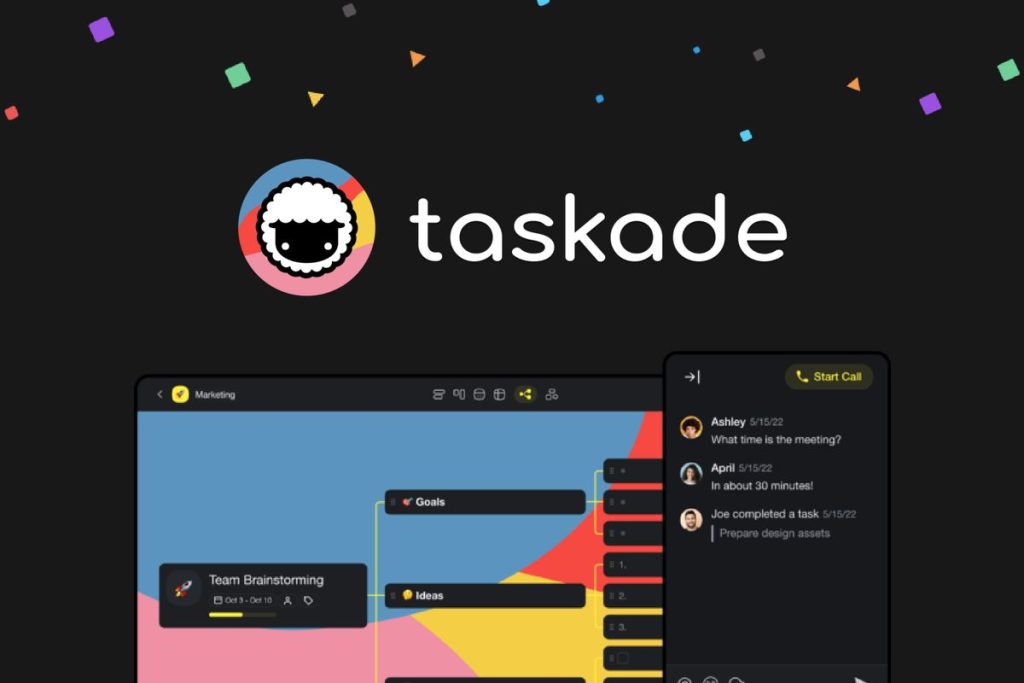
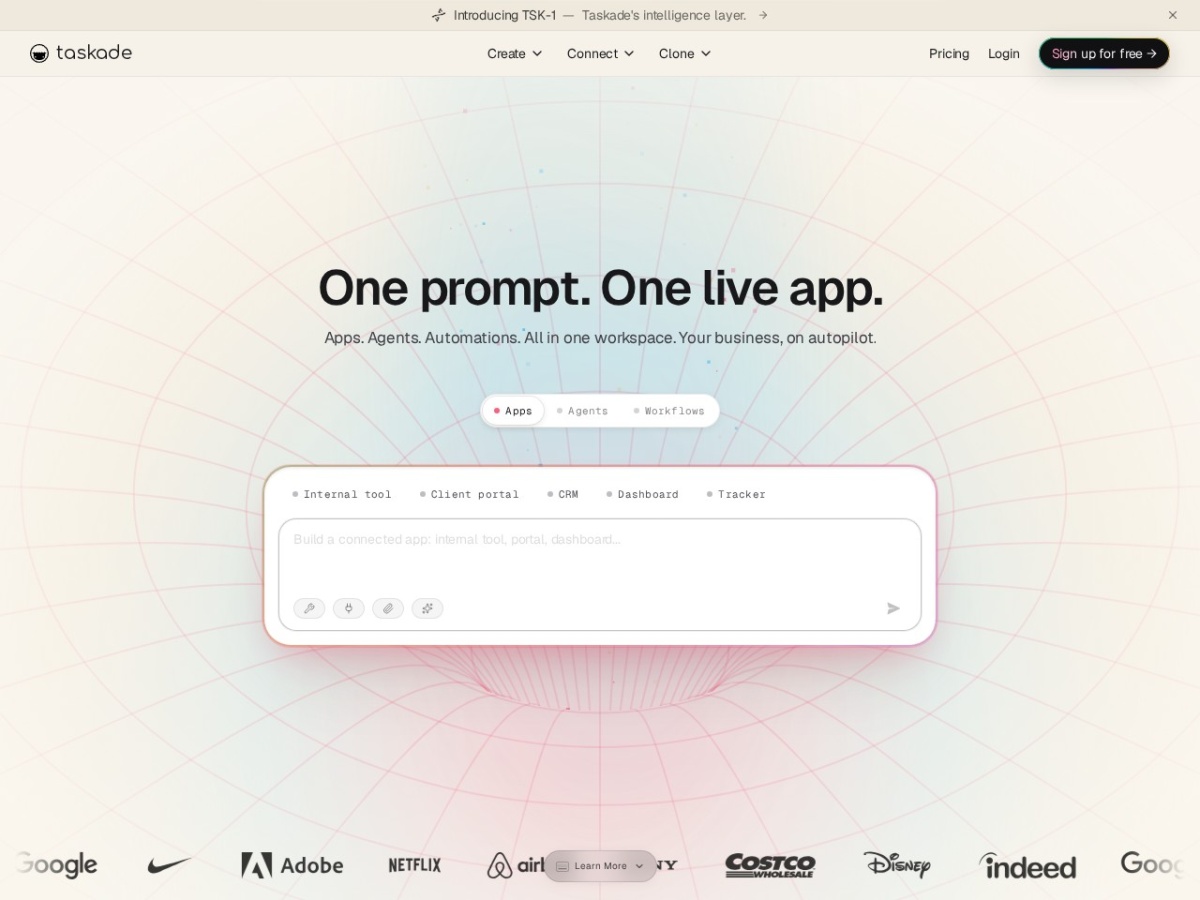
Taskade is an all-in-one workspace where every project can be viewed as a list, board, table, calendar or mind map, edited live by the whole team, and augmented by AI agents you build from a prompt. Agents can research, generate content, process tasks and run on schedules — labour, not just autocomplete.
It fits startups, agencies, solo operators and small teams who want speed, collaboration and automation without enterprise overhead — and anyone consolidating a Notion-plus-Trello-plus-ChatGPT stack into one bill.
Large organisations needing Gantt charts, workload management, advanced reporting and deep dependencies will still land on ClickUp, Monday or Asana.
Taskade pricing and plans
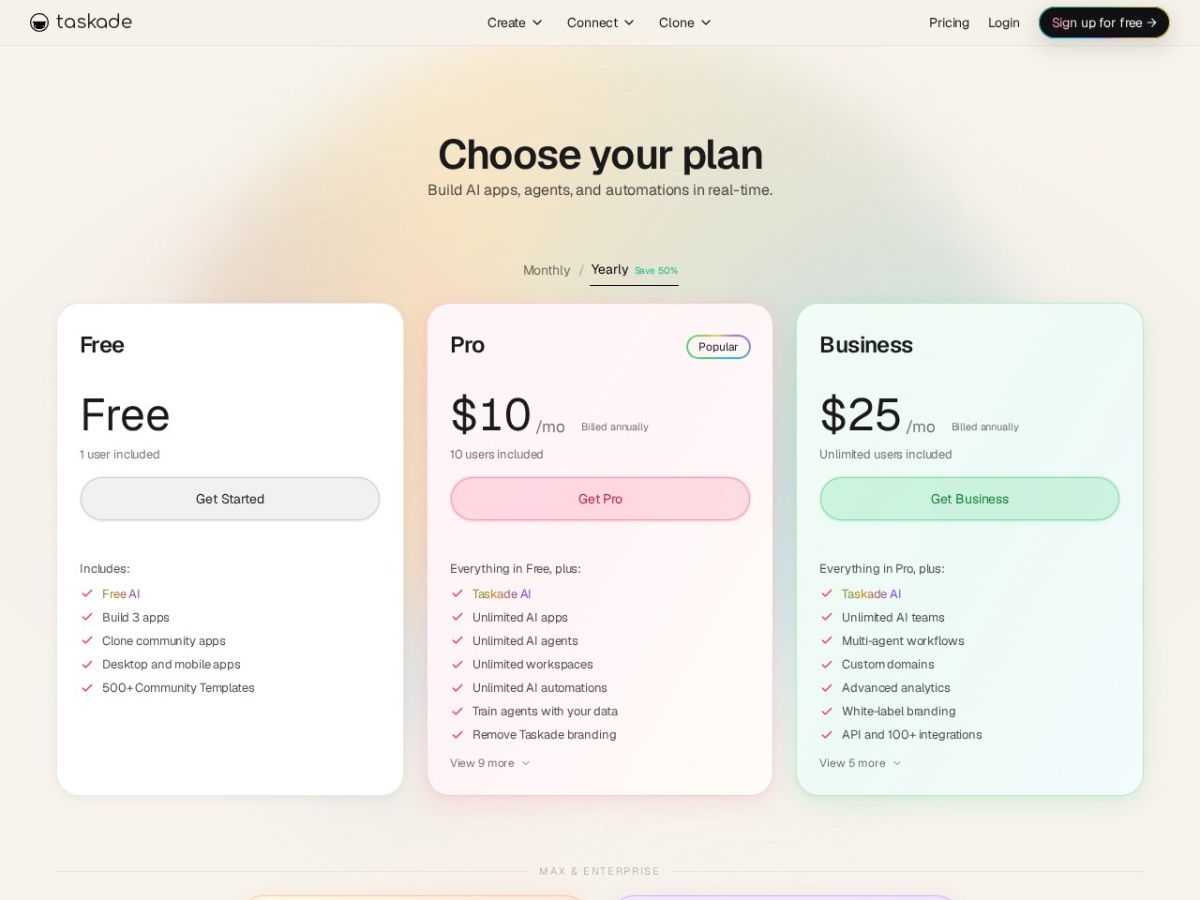
The free plan is generous: unlimited projects, up to 5 members and 3,000 one-time AI credits. Starter at $6/month (recently cut from $8) covers 3 users with recurring AI. Pro at $16/month covers 10 users with unlimited AI agents — versus roughly $70 at ClickUp or $120 at Monday for the same seat count. Higher tiers add org features.
For AI-heavy small teams, that pricing is the story: unlimited agents at Pro means automation scales without per-run anxiety.
| Plan | Price | Users | AI |
|---|---|---|---|
| Free | $0 | 5 | 3,000 one-time credits |
| Starter | $6/mo | 3 | Recurring credits |
| Pro | $16/mo | 10 | Unlimited agents |
AI agents: the differentiator
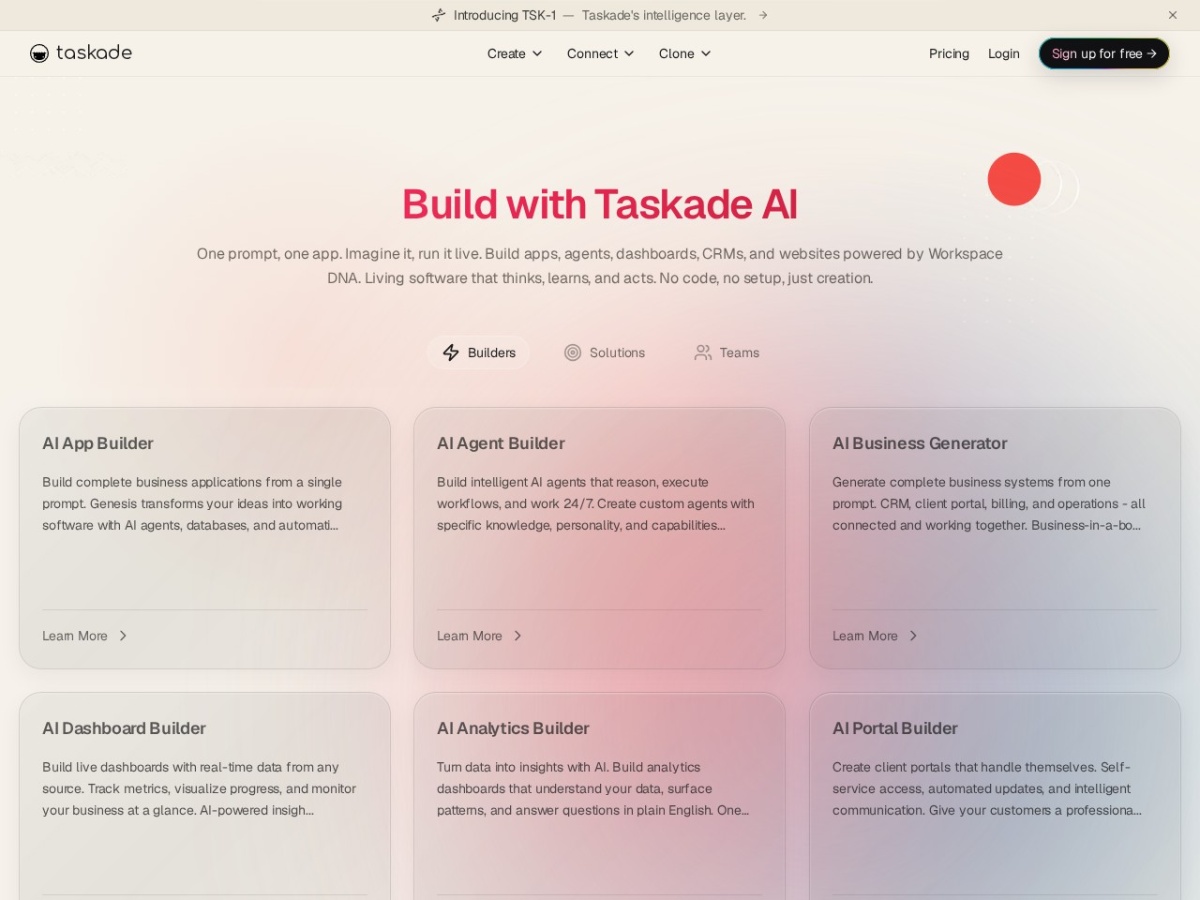
Agent Builder turns a prompt into a working agent — feed it your project context, give it tools, set schedules. Agents research competitors, draft content, triage tasks and chain into workflows. Autopilot goes further: agents get their own cloud computers, clicking through the web like a human assistant rather than being boxed by API integrations.
This is the gap versus rivals: Notion AI assists your typing; Taskade agents complete assignments. For repetitive knowledge work, that difference compounds daily.
Project management features
Core PM is solid for its class: tasks with assignees, due dates and priorities; board, list, table, calendar and the standout mind-map view for planning; templates by the hundred; real-time editing, comments and built-in video calls keeping collaboration in one place.
The gaps are the enterprise staples — no true Gantt, limited dependencies and light reporting. Small teams rarely miss them; scaling ops teams eventually will.
Ease of use
Taskade is fast and clean — closer to an outliner than a database, so onboarding takes minutes, not workshops. The mind-map toggle is brilliant for turning brainstorms directly into task lists. Agents need iteration to tune, as everywhere, but building one genuinely takes a prompt.
Taskade vs the alternatives
Against Notion: Taskade wins working agents and structured tasking; Notion wins documents/databases depth. Against ClickUp/Monday: Taskade wins price and AI labour; they win PM depth and reporting. The honest positioning: best AI-automation-per-dollar in the small-team workspace category.
| Tool | 10-user cost | Edge |
|---|---|---|
| Taskade | ~$16/mo | Unlimited working agents |
| ClickUp | ~$70/mo | PM feature depth |
| Monday | ~$120/mo | Enterprise workflows |
| Notion | ~$100/mo+AI | Docs & databases |
Pros and cons
Pros: AI agents that execute, not just assist; Autopilot cloud computers break API limits; unbeatable pricing ($16 for 10 users, unlimited agents); five views including excellent mind maps; real-time collaboration with video calls; generous free plan; fast, clean UX.
Cons: No Gantt/advanced dependencies; light reporting for ops teams; agents need tuning for reliability; document depth trails Notion; enterprise admin features are thinner.
Who should use Taskade — and who should not
Use it if you run a small team or solo operation and want real AI automation plus flexible project views at the lowest credible price — consolidation alone often pays for it.
Look elsewhere if you need Gantt-and-dependency PM rigor (ClickUp/Monday) or database-heavy documentation (Notion).
Frequently asked questions
How much does Taskade cost?
Free for 5 users; Starter $6/month; Pro $16/month for 10 users with unlimited AI agents — dramatically under ClickUp (~$70) and Monday (~$120) at the same size.
What can Taskade AI agents actually do?
Research, draft content, process and triage tasks, run scheduled workflows — and with Autopilot, operate cloud computers to work beyond API integrations.
Is Taskade good for project management?
Very good for small-team execution with five views including mind maps; it lacks Gantt, deep dependencies and advanced reporting for enterprise ops.
Taskade or Notion?
Taskade for working agents and structured tasks at lower cost; Notion for document/database depth. Some teams run both.
Is there a good free plan?
Yes — unlimited projects, 5 members and 3,000 one-time AI credits, enough to evaluate agents properly.
The bottom line
Taskade delivers the thing 2026 keeps promising: AI that does work, inside the workspace where the work lives, at a price small teams can actually pay. It will not out-Gantt ClickUp or out-database Notion, but as the AI-native home base for lean teams, nothing matches its value. Start free, build one agent, and watch it earn its seat. Score: 8.3 / 10.