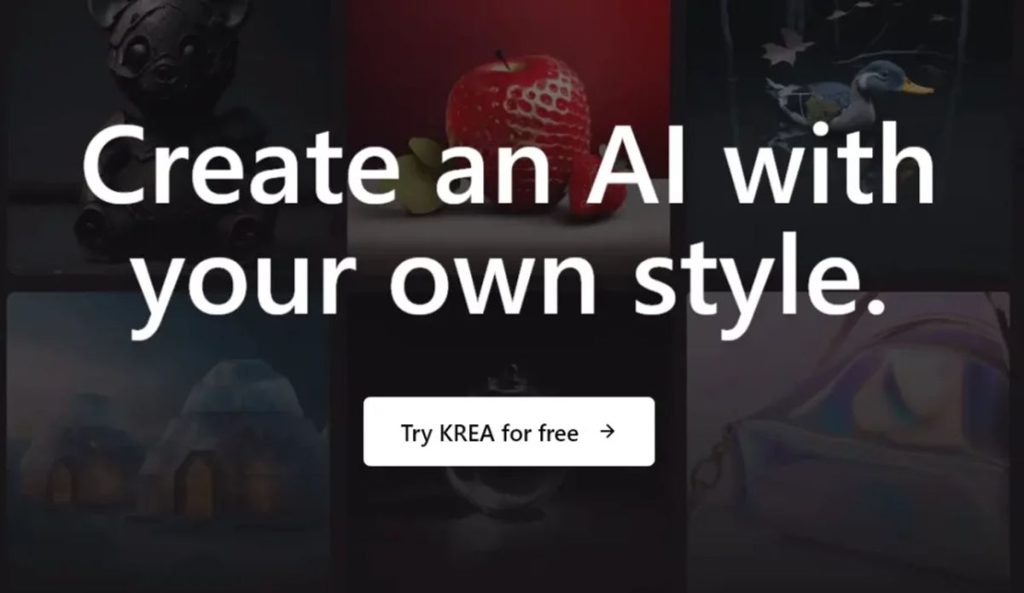
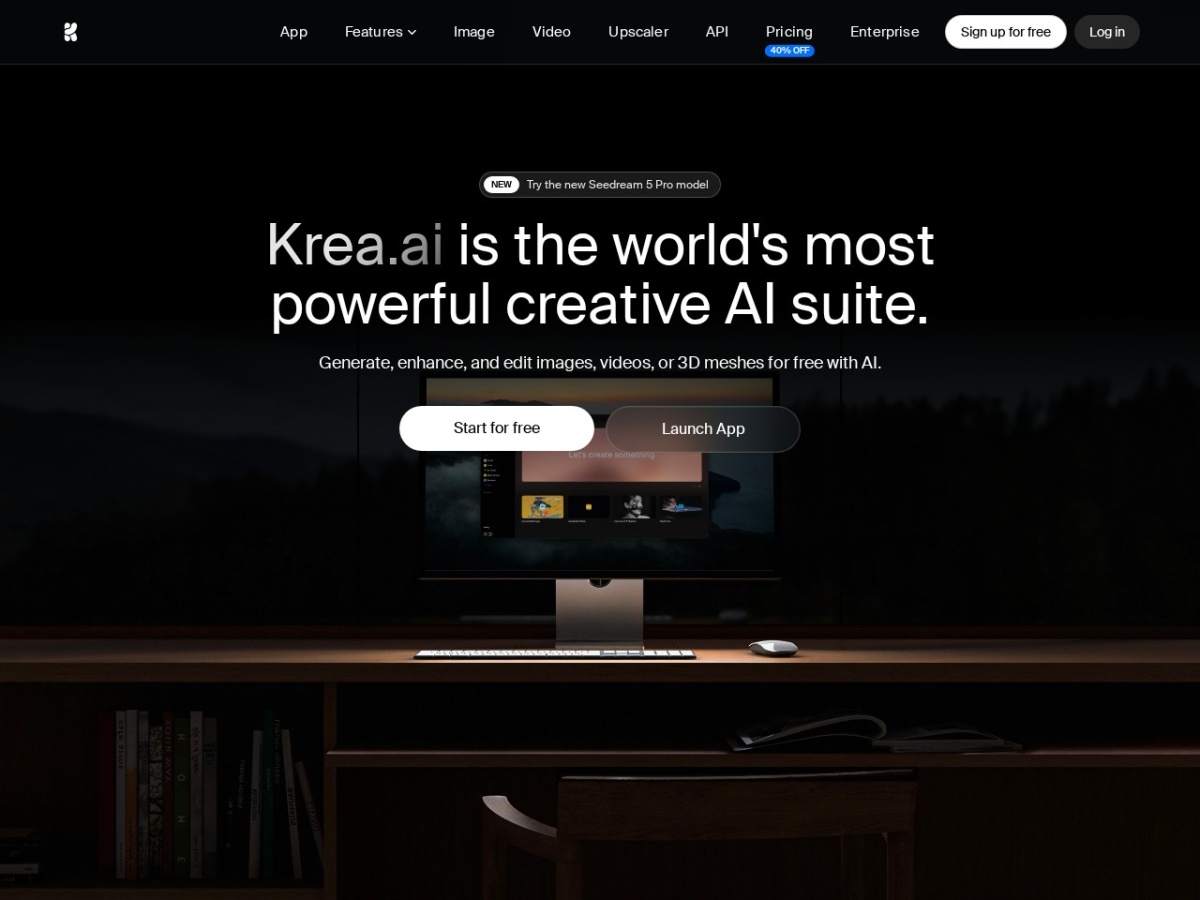
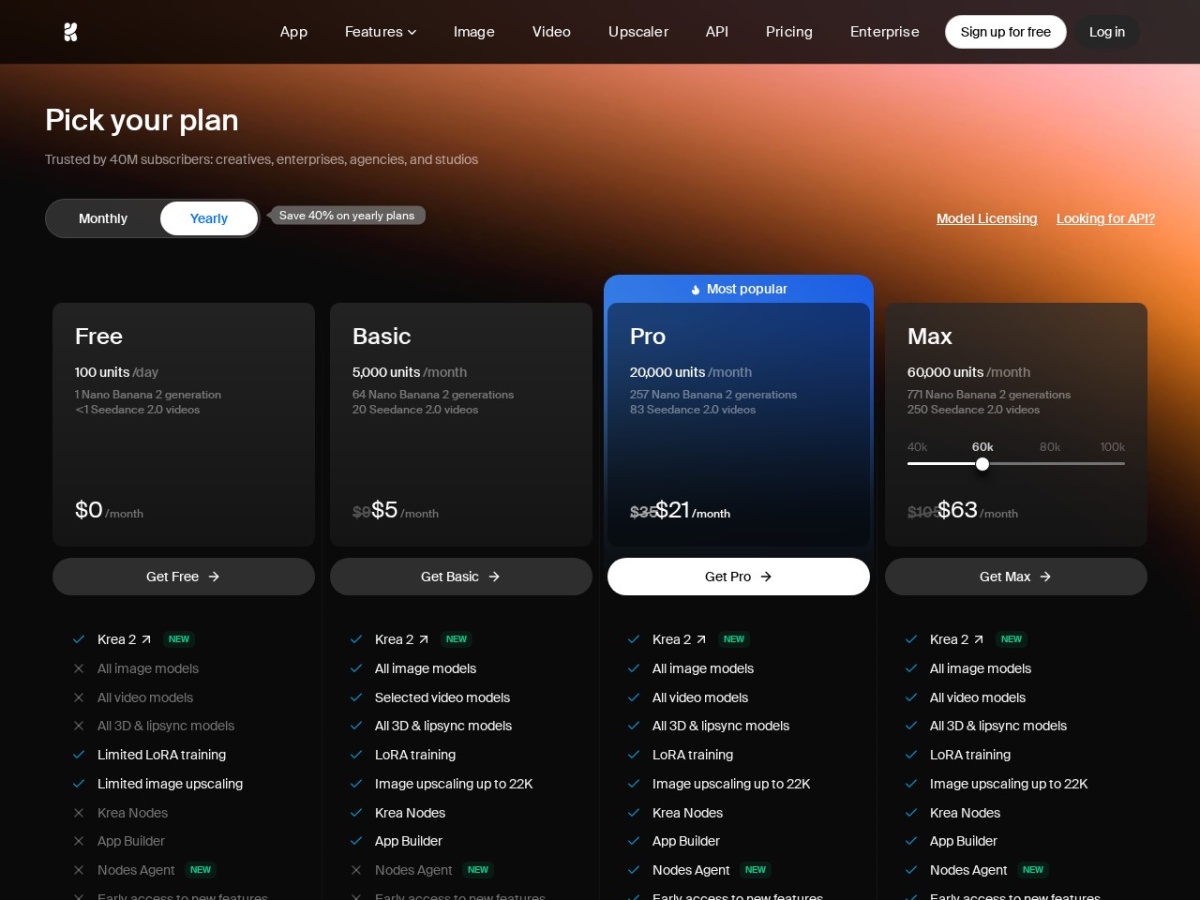
Krea solved the AI-image subscription sprawl problem. Instead of paying Midjourney, Runway, Luma and the rest separately, Krea aggregates 64+ generation models — Flux, Runway, Luma, Google Veo among them, plus its own Krea 2 and Turbo — behind one interface and one bill: free with ~100 daily compute units, then $9–200/month (about 40% off annually).
Its own signature is speed. The Realtime Canvas renders as you paint — under 50ms latency — turning prompting into drawing: scribble shapes, watch the model interpret them live, steer with a brush instead of prompt archaeology. Add an upscaler/enhancer, video generation and a voice mode, and the pitch is a full creative cockpit, not another single model.
Our verdict: the best value-per-dollar surface in AI imaging for anyone who wants to use multiple models — the realtime canvas alone is a workflow unlock — while single-model purists with a Midjourney aesthetic lock-in stay put. Score: 8.6 / 10.
→ Try Krea — see current pricing
What makes Krea different
The aggregator model is the strategy: model releases become Krea features. When a new Flux or Veo version ships, it appears in the picker — your subscription hedges against betting on the wrong lab. The Realtime Canvas is the craft signature: sub-50ms feedback collapses the generate-wait-judge-reprompt loop into continuous visual steering, closer to painting than prompting. Krea 2 and Turbo, the in-house models, hold their own on speed-oriented work.
Pricing
| Plan | Price | Gets you |
|---|---|---|
| Free | $0 | ~100 compute units daily, core tools |
| Basic | from $9/mo | More units, faster queues |
| Pro / Max | up to $200/mo | Heavy compute, priority, full model access |
Annual billing cuts roughly 40%. The comparison shop: Midjourney alone is $10–120/month for one model; Krea's mid tiers buy dozens.
The daily driver experience
The interface holds the sprawl together better than it should: generate, enhance, canvas, video and voice live in one workspace with shared assets. The upscaler earns specific praise — rescuing soft generations into deliverable resolution. The friction points: compute units drain fast on video models, and model choice paralysis is real until you settle favourites.
Krea vs the alternatives
Against Midjourney: aesthetic ceiling versus breadth — Midjourney's house look remains distinctive, Krea gives you every other look plus realtime control. Against Freepik AI suite (the closest aggregator rival): comparable model menus; Krea wins on the canvas, Freepik on stock-asset integration. Against raw APIs: Krea is the no-code path to the same models.
Pros, cons and limits
Pros: 64+ models under one bill; sub-50ms Realtime Canvas; strong upscaler; free tier with daily units; video and voice included; new models arrive automatically.
Cons: compute units burn quickly on video; no single distinctive house aesthetic; interface breadth intimidates beginners; top tier is $200/month.
Krea deals
The ~40% annual discount is the standing offer; the free daily units make evaluation permanent rather than a trial.
The Realtime Canvas, properly explained
Krea's signature feature deserves more than a latency stat. Traditional generation is a slot machine: prompt, wait, judge, re-prompt — composition arrives by lottery. The Realtime Canvas inverts the loop: a split view where you paint on the left — blobs of colour, rough shapes, a dragged-in reference photo — and the model renders a finished interpretation on the right, updating continuously as your brush moves. Nudge a shape left and the mountain moves left; darken a corner and the lighting follows. For anyone whose complaint about AI art is "I can't control where things go", this is the answer the category owed them, and it changes who the tool is for: art directors blocking compositions, product designers exploring layouts, illustrators roughing thumbnails — people with intent, not just prompts.
The practical technique that unlocks it: work coarse-to-fine. Block colour masses first (the model reads them as composition), then refine one region at a time with the style strength dialled down so it stops reinterpreting what you have settled. Screenshots of your own products, dragged in as underlays, turn the canvas into a scene-builder — the fastest route to "our bottle on a marble counter at golden hour" that currently exists outside a photo studio.
Navigating 64+ models without drowning
The aggregation is only valuable with a selection strategy, so here is the working shortlist that emerges from heavy use. Photorealism and product shots: the current Flux flagship. Stylised illustration and concept art: Krea's own models, tuned for the canvas. Video from stills: Veo-class for realism, Runway for controllability, Luma for speed. Typography inside images: test across two — it remains every model's weakest event. The meta-skill is running one identical prompt across four candidates in Krea's side-by-side view for each new project, picking the winner, and committing — model-hopping mid-project is the consistency killer, and consistency is what clients notice. The strategic comfort: when a lab ships a better model next quarter, it appears in your picker rather than obsoleting your subscription — Krea converts model-race anxiety into a feature.
Compute units and the real monthly cost
| Workload | Unit appetite | Sensible tier |
|---|---|---|
| Daily image exploration | Light | Free / Basic $9 |
| Client image work + upscales | Moderate | Pro tier |
| Regular video generation | Heavy — video is 10-50x images | Max $200 or careful Pro |
The budgeting truth every reviewer glosses: video is where units evaporate. Image work on a mid tier feels unlimited in practice; add daily video generation and you will meet the ceiling. The mitigation is workflow, not money — draft motion tests at low resolution and short duration, spend full-quality units only on approved shots, and batch upscales at month-end with leftover units. Run that discipline and the mid tiers cover a working designer; ignore it and no tier feels sufficient.
Krea vs Freepik vs Midjourney vs raw APIs
The head-to-head with Freepik's AI suite — the other serious aggregator — comes down to centre of gravity: Freepik bolts generation onto a stock-asset empire (stronger when your workflow mixes stock and AI), Krea builds tools around generation (the canvas, the upscaler, realtime video) and feels made by people who generate all day. Midjourney remains the single-model benchmark for aesthetic ceiling and community, but offers no realtime control and no model choice — a gallery versus a workshop. Raw APIs (fal, Replicate) beat Krea on per-image cost at volume but hand you the integration work; Krea is the price of not building your own tooling. The clarifying question: do you want to make one style of beautiful image, or run a visual production line across styles? The first buys Midjourney, the second buys Krea.
The upscaler that earns its own paragraph
Krea's enhancer deserves its reputation as a quiet best-in-category: it does not merely sharpen but re-imagines detail at higher resolution, with a creativity slider governing how much reinterpretation you permit. At conservative settings it rescues soft generations into print-usable assets; pushed higher it functions as a style-transfer pass that can rejuvenate old photos and low-res logos. Two operational notes: faces tolerate less creativity than textures before drifting off-model, and the highest resolutions consume units meaningfully — another reason the batch-at-month-end habit pays. Many subscribers report the upscaler alone justifying the Basic tier, treating generation as a bonus — a telling inversion of the expected value hierarchy.
A working week on Krea: the evaluation that matters
Day one: the same brief across four models side-by-side; pick your workhorse. Day two: Realtime Canvas on a real composition problem — a thumbnail, a product scene — and note the moment control clicks. Day three: video test at draft settings, then one hero shot at full quality; price the unit burn honestly. Day four: upscale a folder of your historical soft images and count the rescues. Day five: assemble one client-ready deliverable end-to-end inside Krea without touching another tool. If Friday's deliverable shipped and the unit meter shows headroom, consolidate your subscriptions and stop reading reviews; if your taste demands one specific model's look, you have also learned that cheaply. Score: 8.6 / 10.
Krea in commercial pipelines: rights, consistency and client work
For professional use, three operational questions decide whether Krea fits. Rights: paid tiers grant commercial usage of outputs, but because Krea aggregates third-party models, the upstream licence travels with the generation — diligent studios keep a per-project note of which model produced which deliverable, a thirty-second habit that de-risks client indemnity questions. Consistency: the style-reference and image-prompt tools carry a look across a campaign, and the discipline of one-model-per-project plus saved style references produces set coherence that satisfies brand guidelines — the failure mode is always mid-project model-hopping, never the tools. Review flow: the workspace's folder organisation and shareable outputs cover small-team approval loops without exporting to another tool, though enterprise asset-management integrations are not the product's ambition.
The agency arbitrage mirrors other AI categories but with a visual twist: mood boards, pitch decks and campaign comps that once consumed a junior designer's week now compress to a day of canvas work, and the realtime demo itself has become a sales weapon — art-directing a client's scene live on a call, watching their revisions render as they speak them, closes concepts faster than any static deck. Operators report the psychological shift matters as much as the hours: iteration stops being scarce, so creative decisions stop being defensive.
The honest limitations list
What the enthusiasm above should not obscure. Krea's interface breadth means the first session intimidates — the tool rewards a guided start (one feature per day) and punishes aimless clicking with unit burn. The in-house models, though fast, do not top quality benchmarks; the ceiling comes from the aggregated flagships. Fine-grained editing — inpainting precision, layer-true exports — trails dedicated editors, so Photoshop retains the finishing seat in most pipelines. Team features are serviceable rather than deep. And the aggregator's structural risk runs both directions: model access can change as upstream partnerships shift, which is the entropy you accept for never betting on a single lab. Priced against the alternative — four subscriptions, four interfaces, four bills — these are the trade-offs of the best current answer to visual-AI sprawl rather than arguments against it. Score: 8.6 / 10.
Video generation inside Krea: the second act
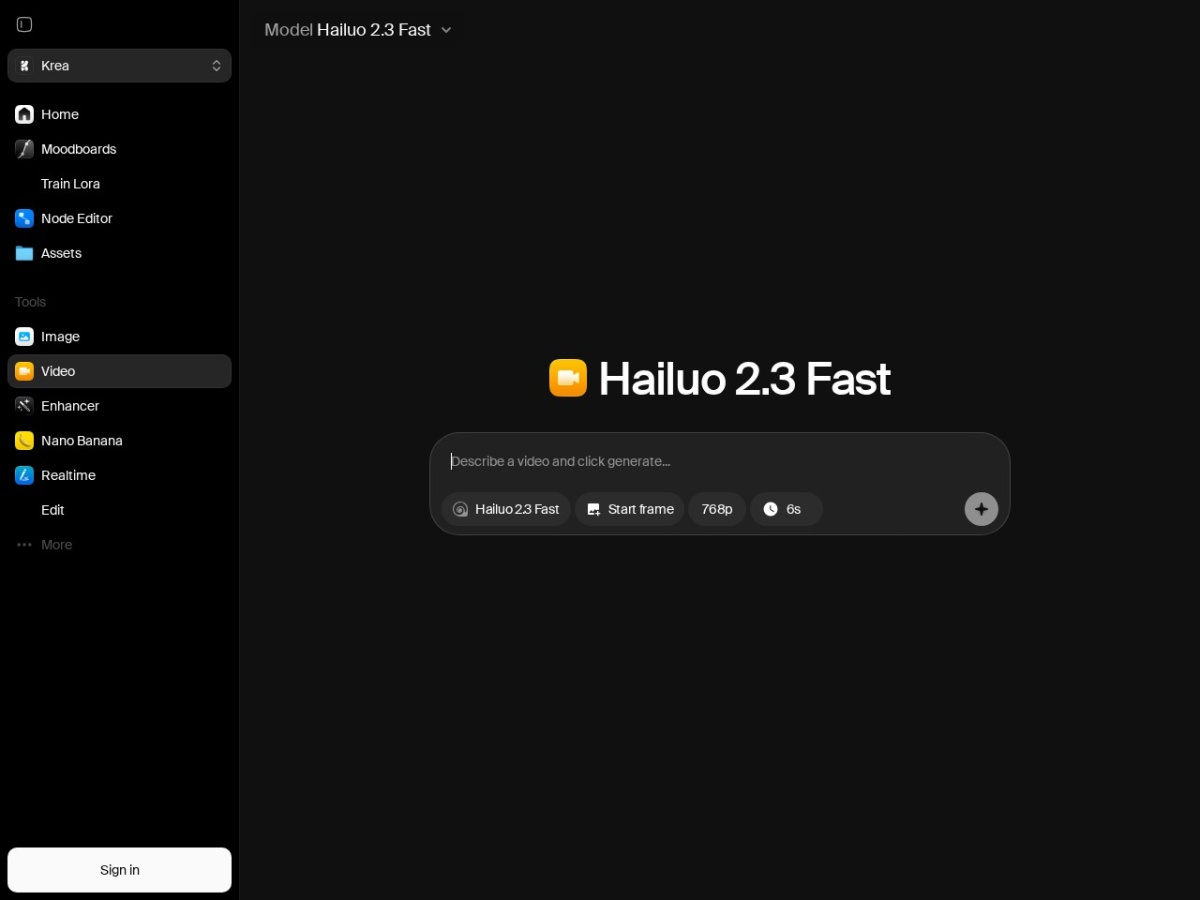
The video lane has quietly matured from novelty to workflow. Krea's aggregation covers the motion flagships — Veo-class realism, Runway's camera controls, Luma's speed — and adds the connective tissue that raw access lacks: generate a still on the canvas, animate it in the same workspace, upscale the result, and cut between model attempts without re-uploading anything. For short-form content producers the working recipe is image-first — perfect the keyframe as a still (cheap), then spend motion units only on the composition you have already approved — which routinely halves the unit cost of a finished clip versus prompting video blind. Realistic expectations keep the lane useful: five-to-ten-second hero shots, product spins, ambient loops and social-format b-roll are the sweet spot; narrative continuity across shots remains the frontier every platform shares.
The synthesis after a month of mixed image-and-video work is that Krea's value concentrates in the seams: the canvas feeding video, the upscaler finishing both, one asset library holding it all, one bill covering the labs' arms race. Individual models will leapfrog each other quarterly — that is precisely the churn the aggregator absorbs on your behalf, and why the subscription decision is really a workflow decision. For the visual generalist producing across formats, Krea is currently the strongest single place to stand. Score: 8.6 / 10.
Krea's training and custom-style lane
One capability this review has not yet priced: Krea supports training custom styles on your own image sets, turning a brand's visual history or an illustrator's portfolio into a reusable generation style. For studios this closes the loop the aggregator model opens — you get frontier models for range and a proprietary style no competitor can prompt their way into. The workflow is upload-curate-train-iterate: quality of the training set dominates outcomes (thirty consistent, well-lit, stylistically coherent images beat three hundred mixed ones), and the resulting style slots into the same canvas and generation tools as everything else. Agencies use this for ongoing clients — train once on the approved campaign look, then produce seasonal variants for a fraction of reshoot budgets — and independent artists use it defensively, productising their own style before the market prompts an imitation. It is the feature that converts Krea from a consumption tool into an asset-building one, and it deserves a line in any serious evaluation.
FAQ
Is the free tier enough?
For image work in moderation, yes — ~100 daily units regenerate. Video eats units fast; regular video use means a paid tier.
Which models does it include?
Flux, Runway, Luma, Google Veo and 60+ others, plus in-house Krea 2 and Turbo — the menu updates as labs ship.
What is the Realtime Canvas for?
Steering composition visually: paint rough shapes and the model renders live under 50ms. Best for layout control that prompts describe badly.
Krea or Midjourney?
Locked into the Midjourney look, stay. Wanting breadth, control and one bill for many models, Krea is the stronger platform.
Commercial use?
Paid plans cover commercial usage — verify per-model terms for client work, as aggregated models carry their upstream licences.
The one-week Krea evaluation
Day one: free account, generate the same brief across five models, note which reads your intent. Day two-three: Realtime Canvas on a composition-heavy task — this is where Krea either clicks or does not. Day four: upscale your archive's best soft images. Day five: one video generation to price the unit burn. If by day seven you have used three or more models on real work, the consolidation subscription pays for the sprawl it replaces; if you only touched one, buy that one directly. Score: 8.6 / 10.