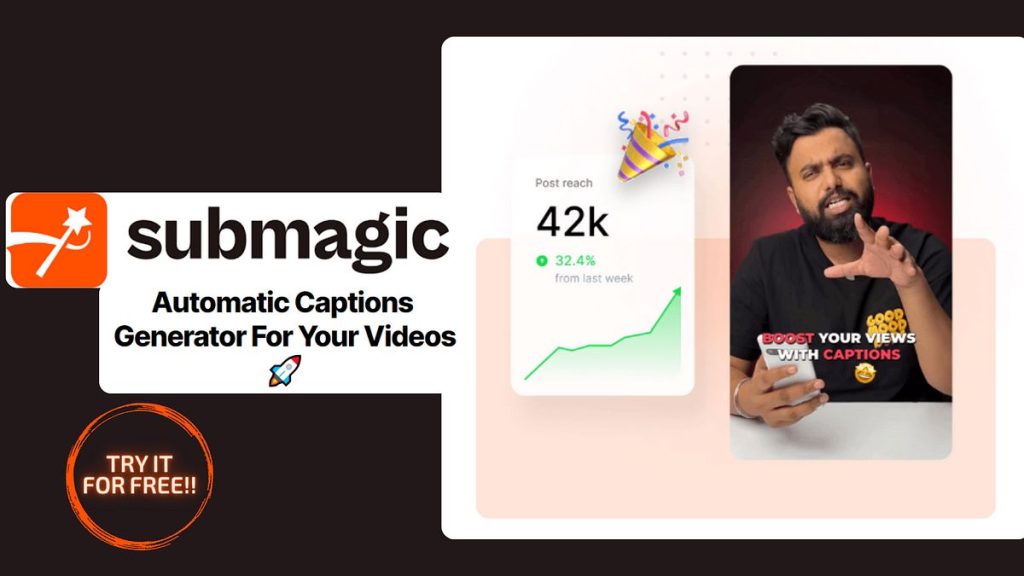
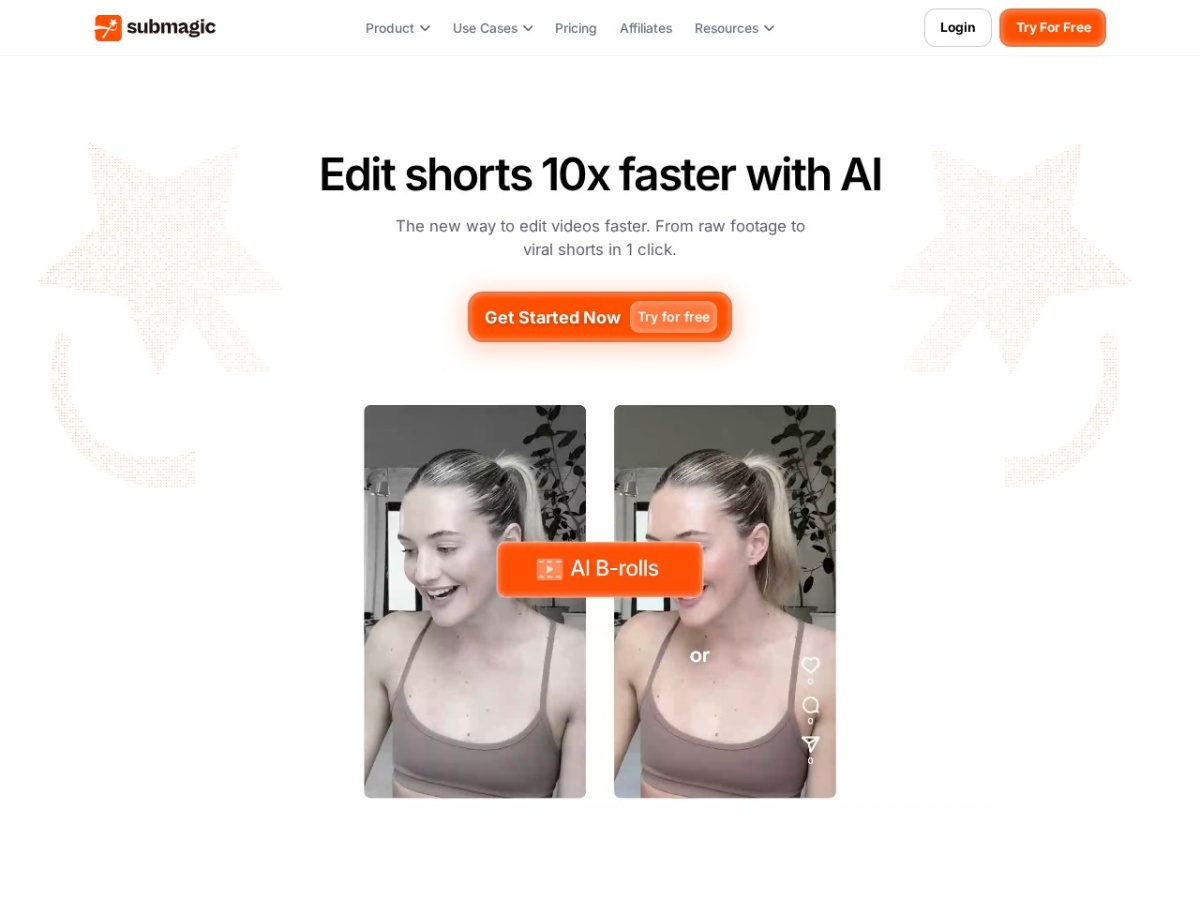
Submagic is the short-form editor built for the retention graph. Drop in a talking-head clip and it returns the TikTok-native package automatically: animated captions at 98.9% claimed accuracy across 48 languages, emoji emphasis, sound effects, auto-zooms, AI B-roll cut against your speech, and hook suggestions engineered for the first two seconds.
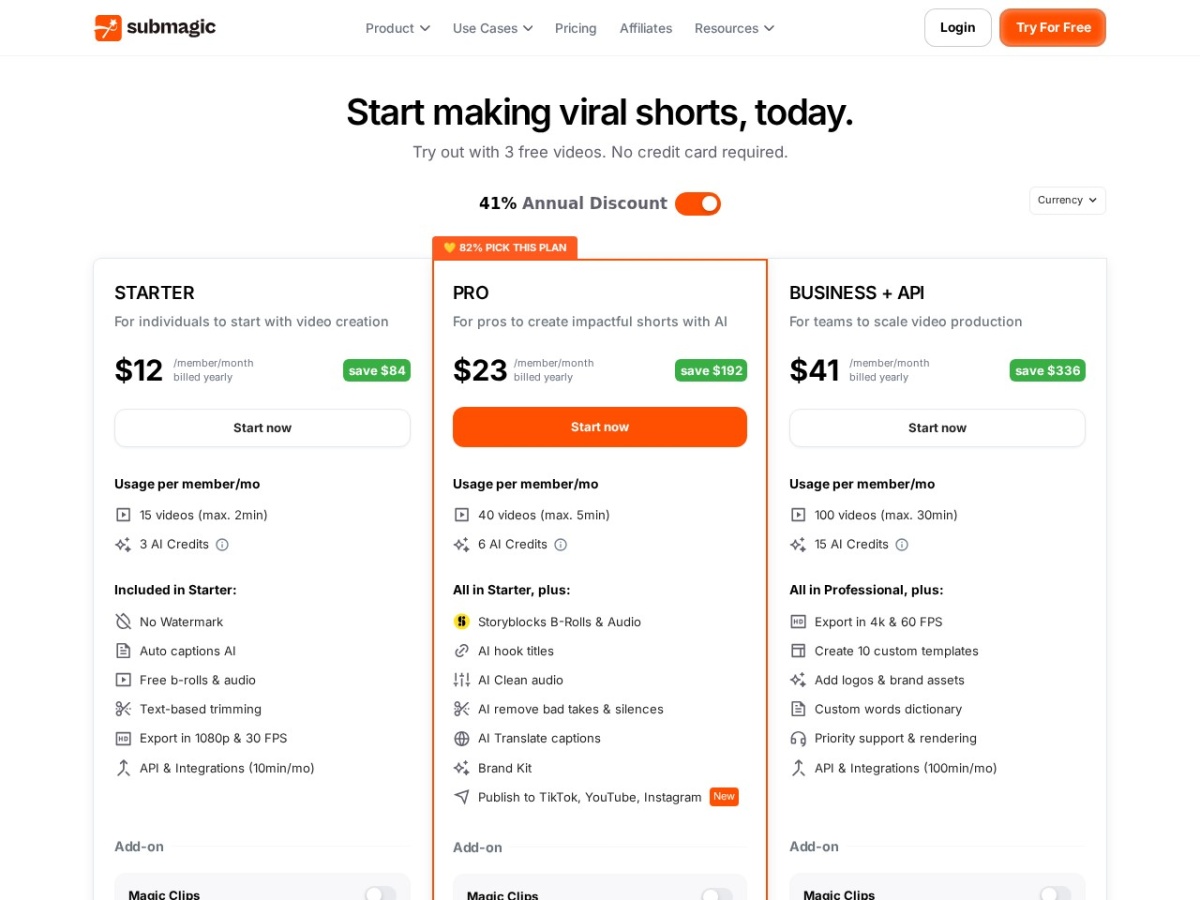
Pricing runs Starter $19/month ($12 annual), Pro $39 ($23 annual, 100 exports, 4K) and Business $69 ($41), with 3 free videos to test. The pitch is arithmetic: if captioning and pacing a clip takes 40 minutes in CapCut and 4 minutes here, ten clips a month pays the subscription in saved hours alone.
Our verdict: the fastest route from raw clip to platform-ready short for creators and agencies shipping volume. Editors who want frame-level control keep CapCut or Premiere alongside; Submagic wins the 80% of clips that just need to ship. Score: 8.3 / 10.
→ Try Submagic — see current pricing
What makes Submagic different
It automates the retention grammar, not just the transcript. Captions arrive styled in the viral templates (word-by-word pops, colour emphasis), zooms and transitions land on speech beats, B-roll drops over the sentences that name droppable visuals, and trending sound effects punctuate. The 48-language coverage makes it one of few tools serving non-English short-form at this polish level — including Vietnamese.
Pricing
| Plan | Monthly | Annual (per month) | Key limits |
|---|---|---|---|
| Starter | $19 | $12 | Core captions + templates |
| Pro | $39 | $23 | 100 exports, 4K, B-roll |
| Business | $69 | $41 | Teams, brand presets, volume |
Three free videos test the whole pipeline on your own footage before a card is involved.
The volume-creator experience
The real workflow: batch-upload the week's clips, let the auto-pass run, then spend your editing minutes on judgment — trimming a weak hook, swapping one wrong B-roll shot, fixing the occasional proper-noun caption miss. The 98.9% accuracy claim holds on clean audio; accents plus crosstalk pull it down enough that a proofread pass stays mandatory for client work.
Submagic vs the alternatives
Against CapCut: CapCut is a full editor, free, with more control and more of your time; Submagic trades control for throughput. Against Opus Clip: Opus specialises in long-video-to-clips repurposing; Submagic polishes clips you already cut — many agencies chain them. Against Descript: Descript edits by transcript across long form; Submagic owns the vertical-short finishing lane.
Pros, cons and limits
Pros: minutes per clip; 48 languages incl. Vietnamese; caption styles that match platform trends; AI B-roll and hooks; 4K on Pro; agency-friendly brand presets.
Cons: export caps meter heavy volume; auto B-roll occasionally literal-minded; frame-level control limited; watermark on free tests.
Submagic deals
Annual billing is the real price — roughly 40% under monthly. Start with the 3 free videos on your worst-audio clip, not your best.
The retention grammar, decoded
What Submagic actually automates is a specific editing dialect that short-form platforms trained into audiences: word-level caption pops synced to speech, colour emphasis on the payoff words, a zoom punch on sentence stress, a B-roll cutaway when a concrete noun appears, and a sound cue on transitions. Human editors internalised this grammar over thousands of videos; Submagic ships it as defaults. The craft insight for users is that the grammar has a dose-response curve — every effect exists to re-capture drifting attention, and past a threshold the effects become the drift. The strongest results come from the edit-down workflow: let the auto-pass apply everything, then delete a third of it — keep the zooms on genuine emphasis, keep B-roll only where it adds information, keep one sound effect per ten seconds. The tool's speed makes this trimming affordable; taste is the ingredient it cannot ship.
Hooks deserve their own note: the AI's suggested opening lines and title cards are calibrated to the two-second decision window that decides most scroll-past fates. Treat them as drafts — the suggestions are competent scaffolding, and rewriting them in your own voice is the difference between generic-viral and yours.
Caption accuracy in the real world
The 98.9% figure is a clean-audio number, and its decay pattern is predictable enough to plan around. Single speaker, decent mic, standard accent: functionally flawless, whole clips shipping untouched. Add background music bleed, distinctive accents, or industry vocabulary and errors cluster exactly where they hurt — names, numbers, technical terms — the words your audience will screenshot if wrong. The professional workflow treats the transcript pane as a two-minute proofread station: errors are text-click-fix, corrections propagate to the styled captions instantly, and a personal dictionary of your recurring proper nouns cuts the same fixes recurring. For the 48-language claim, the practical tiers matter: major European and Asian languages perform near-English; Vietnamese sits genuinely usable with the same proper-noun caveat amplified — and for creators serving diaspora or bilingual audiences, the translation feature turning one recording into multiple language versions is a distribution multiplier most competitors still gate behind enterprise tiers.
Plan maths for creators and agencies
| Profile | Volume | Right plan | Effective cost/clip |
|---|---|---|---|
| Weekly poster | ~8 clips/mo | Starter annual $12 | ~$1.50 |
| Daily creator | ~30 clips/mo | Pro annual $23 | ~$0.77 |
| Agency, 4 clients | ~120 clips/mo | Business annual $41 | ~$0.34 |
Set against the market rate for human short-form editing — $15-50 per clip on freelance platforms — the arbitrage is not subtle, and it explains the agency adoption pattern: the tool does the assembly-line 80%, human attention concentrates on the 20% (hook choice, trim points, brand consistency) that clients actually judge.
Submagic vs Opus Clip vs CapCut vs Descript, by workflow
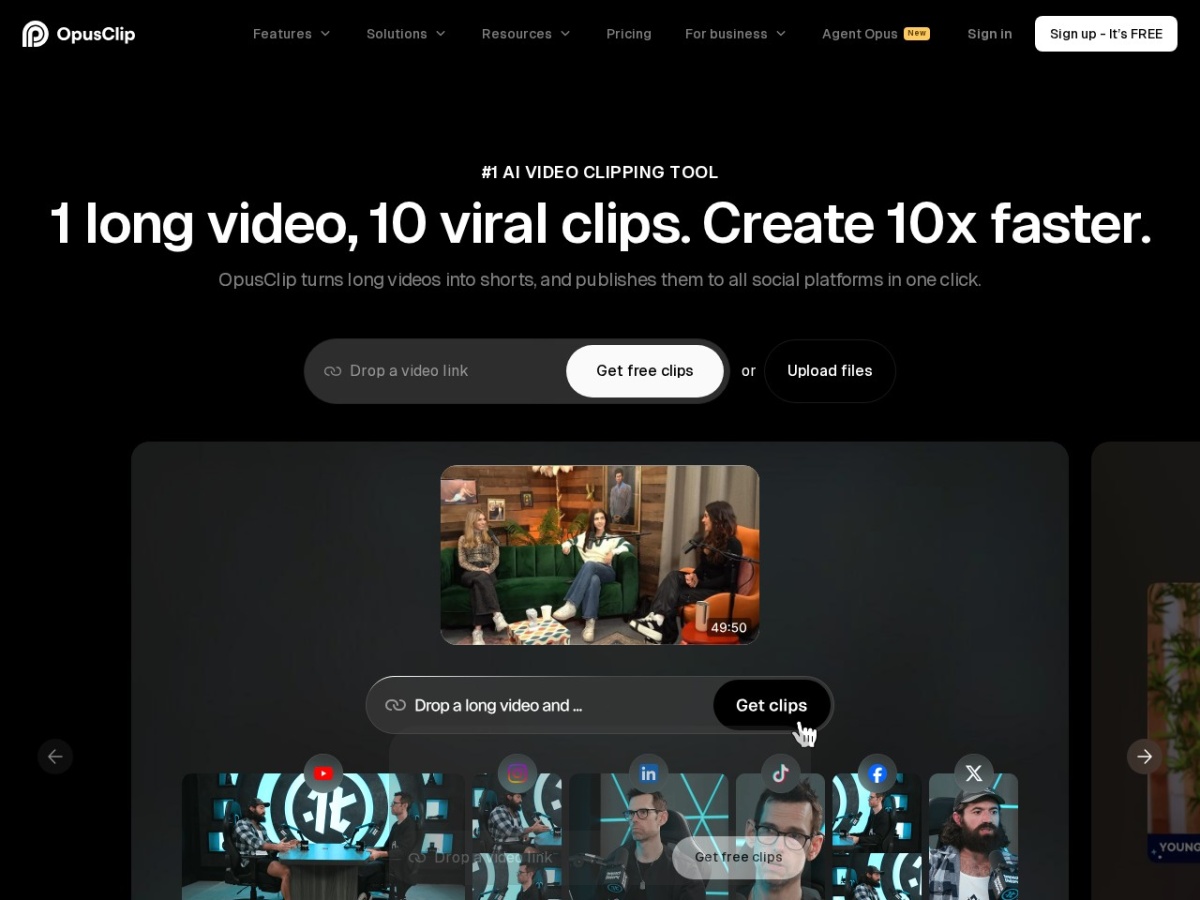
The category confusion resolves cleanly when you name the input. Long video in, clips out: Opus Clip — its job is finding the moments; many pipelines then pass those moments to Submagic for finishing, which is why agencies subscribe to both. Clip in, polished clip out: Submagic's home turf, faster and better-styled than doing the same grammar manually. Full manual control: CapCut remains the free, deep editor — and the honest benchmark: everything Submagic automates, CapCut can do by hand in 5-10x the time, which is either damning or irrelevant depending on your clip volume. Transcript-first long-form: Descript owns podcast and YouTube-length editing; its short-form export competes here but the centre of gravity differs. The stack that dominates serious short-form operations in 2026: record long, Opus to find, Submagic to finish, CapCut for the occasional bespoke edit.
The B-roll and asset system
The AI B-roll deserves a balanced verdict because it is both the most impressive and most fallible feature. The mechanism — semantic matching between your speech and a stock library, cut in at the matching timestamp — produces genuinely professional texture when it works: say "shipping delays" and a port timelapse appears exactly on beat. The failure mode is literal-mindedness: metaphors and abstractions can summon comically off-target footage, which is why the review-and-swap pass is non-negotiable for client work. The system improves markedly when fed: uploading your own product shots, workplace footage and recurring visuals turns the matcher into a brand-asset inserter, and the difference between generic-stock texture and your-actual-business texture is visible in conversion, not just polish. Budget five minutes per clip for the B-roll audit; the feature earns it.
A 30-day channel experiment worth running
The evaluation that answers the real question — does the retention grammar move your audience: hold content constant (same topics, same posting schedule as last month), route everything through Submagic, and compare three numbers month-over-month: average watch-through, follows per thousand views, and your own hours spent editing. Creators typically find the hours number moves first and hardest (the subscription pays for itself in week one), watch-through moves modestly (the grammar works but content quality still dominates), and the follows number tracks whichever hooks you actually rewrote by hand. Which is the fair summary of the tool itself: it industrialises the mechanical layer of short-form excellence and returns your attention to the layer that was always the point. Score: 8.3 / 10.
Brand presets: the agency retention feature
For anyone editing on behalf of others, the preset system is quietly the subscription's anchor. A client's caption font, colour pair, emphasis style, logo watermark position and safe-zone preferences save as a one-click template, which solves the two problems that actually lose agency clients: consistency (every clip from every editor on the team lands identically on-brand) and turnaround (the styling conversation happens once at onboarding, not per clip). The operational pattern that scales: build the preset live on the onboarding call — clients approving their own caption style in real time is a better demo than any portfolio — then batch-process their backlog as the first deliverable, which turns a month of their old content into a week-one win. Combined with the per-clip economics in the table above, a solo operator can credibly service four or five short-form clients in evenings, which is exactly the side-income profile that half this tool's subscriber base appears to be.
The white-label note for that audience: exports carry no Submagic branding on paid tiers, timelines survive re-edits when clients request tweaks, and the translation feature lets one client recording serve multiple market audiences — a line item most agencies bill separately despite it costing one click.
What Submagic still cannot do
The boundary list, plainly stated. It is not a general editor: multi-track timelines, complex layering, keyframed motion graphics and colour grading live elsewhere — clips needing bespoke visual construction go to CapCut or Premiere and only return for captioning. Auto-selected fonts and templates trend toward the current platform aesthetic, so distinctive visual identities need the preset customisation pass rather than defaults. Music selection remains yours — the tool punctuates with sound effects but does not score. Horizontal long-form is outside the mandate entirely. And the export caps, while generous per tier, are real: agencies at volume should count clips before choosing a plan rather than after hitting the wall mid-batch. None of these gaps undermine the core trade — speed on the mechanical layer in exchange for control on the artistic one — but knowing where the tool ends keeps the workflow honest and the disappointments at zero. Score: 8.3 / 10.
Platform-specific finishing: one clip, three destinations
The same finished clip performs differently across TikTok, Reels and Shorts, and Submagic's role in a multi-platform pipeline benefits from a few destination-aware habits. Safe zones differ — TikTok's right-rail icons and caption overlay eat different real estate than Shorts' title treatment, and the preset system lets you save per-platform caption positions once instead of re-nudging every export. Pacing tolerance differs too: TikTok audiences absorb the densest effect grammar, Reels rewards slightly cleaner styling, and Shorts — with its heavier search-driven discovery — pays more for a spoken keyword in the opening line and a hook that reads as an answer to a query. The efficient workflow is one master edit in Submagic, then per-platform preset variants at export, which costs minutes and routinely outperforms the post-everywhere-identical default that most volume creators never question.
Zoomed out, Submagic's position in the 2026 stack is settled and specific: it owns the finishing station on the short-form assembly line — the fifteen minutes between a cut clip and a platform-ready post, compressed to four, at quality that clears the professional bar when a human spends the remaining minute on judgment. Creators below weekly volume can live without it; everyone above weekly volume is effectively choosing between this subscription and hiring the same grammar at fifty times the price. That is the whole decision, and for its intended user it is not a close one. Score: 8.3 / 10.
Sound, music and the audio layer
Because captions dominate Submagic's pitch, the audio tooling goes under-discussed. The sound-effect library punctuates transitions and emphasis beats — used sparingly it adds the tactile pop that platform-native content carries; the trending-sounds question, however, stays outside the tool: licensed music must be added in the platform's own editor at posting time to register for its discovery systems, a workflow quirk every short-form operator eventually learns. Voice enhancement smooths rough recordings usefully — phone-recorded audio gains presence — though it cannot rescue clipped or windy source material, which remains a recording-discipline problem no post-processing solves. The practical audio chain for volume creators: record with any $20 lavalier (the single biggest quality jump per dollar in short-form), let Submagic handle enhancement and effects, and add platform-native music last. That division — tool for polish, platform for licensing, discipline for capture — keeps both the algorithm and the audio engineers satisfied.
FAQ
Is the caption accuracy really 98.9%?
On clean single-speaker audio it is credible; with accents, names and crosstalk expect a quick correction pass. The editor makes fixes fast.
Does it work for Vietnamese content?
Yes — among 48 supported languages, with the same styling engine, which is rarer than it should be in this category.
Submagic or Opus Clip?
Different jobs: Opus finds clips inside long videos; Submagic finishes clips for posting. Repurposing pipelines often need both.
Will captions look like every other viral video?
The default templates are the trending look on purpose; brand presets let agencies lock custom fonts and colours instead.
Is Pro worth it over Starter?
At more than ~25 clips/month, or any client work needing 4K and B-roll — yes; below that Starter covers the core loop.
The 30-clip month test
Run one real month: every short you ship goes through Submagic first, and you log two numbers — minutes spent per clip versus your old workflow, and average watch-through on the batch versus last month's. The first number funds the subscription (typically 5–8 hours saved); the second decides whether the retention grammar actually moves your audience or just decorates it. Creators posting daily almost always keep it; monthly posters should stay on free tests. Volume is the variable that makes Submagic rational. Score: 8.3 / 10.