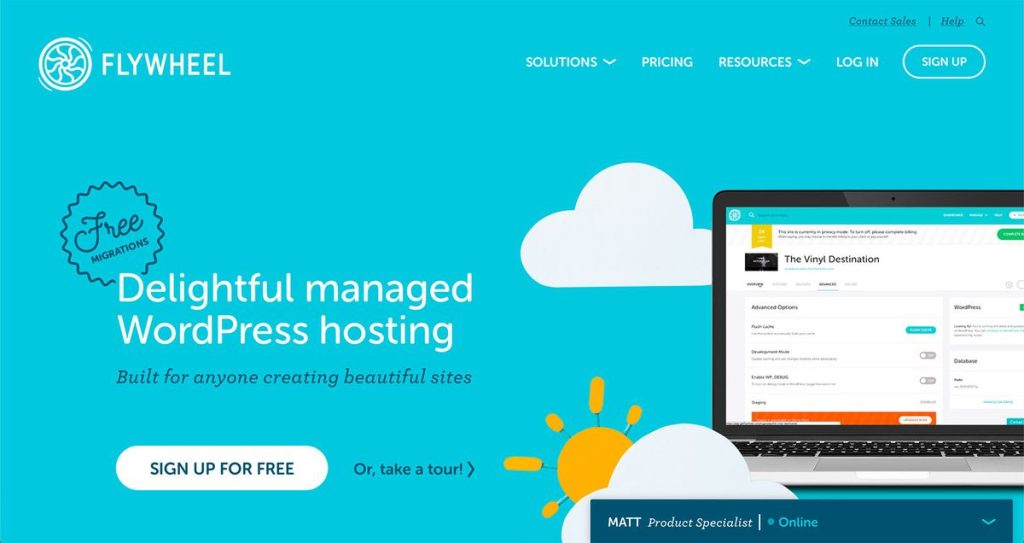
Flywheel is managed WordPress hosting built specifically for the people who make websites for a living: designers, freelancers and agencies. Where most hosts sell raw performance, Flywheel sells workflow — beautiful dashboards, client billing transfer, blueprints for spinning up sites in seconds, and the beloved free Local development app. Since being acquired by WP Engine in 2019, it also runs on the same Google Cloud infrastructure that powers one of the biggest names in managed WordPress.
The question for 2026 is whether Flywheel still justifies its premium over budget hosts, and how it stacks up now that it shares a parent with WP Engine. We looked at pricing, performance, features and the agency tools that make it distinctive.
Our verdict: Flywheel is a polished, design- and agency-focused managed WordPress host with excellent workflow tools and solid Google Cloud performance — ideal for freelancers and studios, if you can live with WordPress-only hosting and premium pricing. Score: 8.3 / 10.
→ Visit Flywheel and check the current deal
What is Flywheel and who is it for
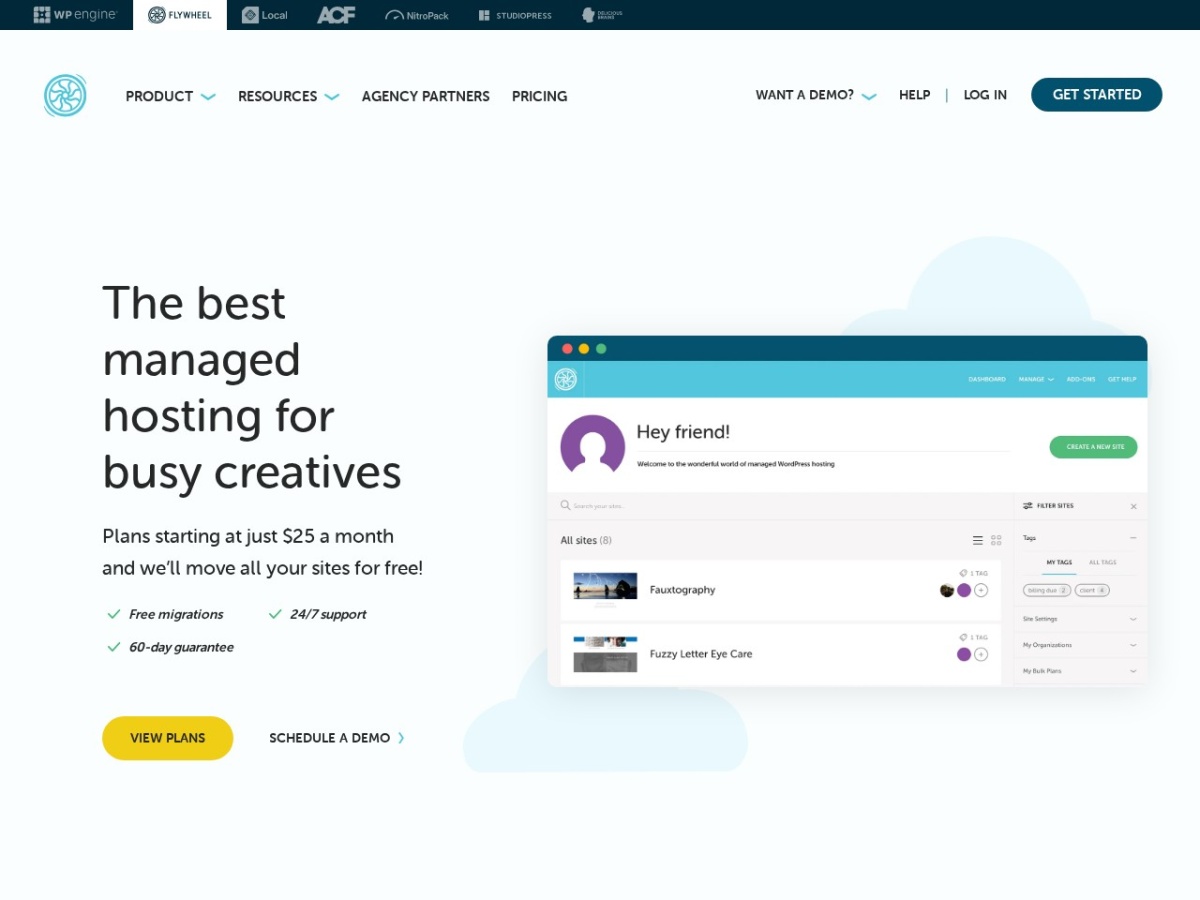
Flywheel launched in 2012 and was acquired by WP Engine in 2019. It kept its own brand, dashboard and identity while moving onto WP Engine Google Cloud infrastructure. Its entire personality is built around design studios and freelancers: it looks great, it removes server headaches, and it adds workflow features that agencies genuinely use every day.
It is aimed squarely at people who build WordPress sites for clients — designers who want a host that matches their standards, and agencies that need to manage many sites, hand off billing to clients, and deploy new projects fast. Casual bloggers can use it, but they are not the target and cheaper hosts make more sense for them.
If your work is building and handing off WordPress sites, Flywheel workflow tooling is the draw. If you just need to park a single personal blog cheaply, this is not the most cost-effective choice.
Flywheel pricing and plans
Flywheel managed WordPress hosting starts around $13/month (Tiny, billed annually) for a single site with about 5,000 monthly visits, stepping up to roughly $25/month (Starter) for 25,000 visits, and scaling to the Agency tier near $290/month for up to 30 sites and 400,000 visits. Annual billing typically includes two months free.
That is premium pricing next to budget cPanel hosts, but competitive within managed WordPress: it undercuts Kinsta and sits close to WP Engine while adding design-focused tooling. Every plan includes free SSL, nightly backups, malware scanning and a CDN, so you are paying for a fully managed, hands-off experience rather than raw storage.
For agencies, the higher tiers plus features like billing transfer (handing a site and its invoice to a client) make Flywheel pricing easier to justify — the tooling saves billable hours that quickly offset the cost.
| Plan | Sites | Monthly visits | Price (annual) |
|---|---|---|---|
| Tiny | 1 | ~5K | ~$13/mo |
| Starter | 1 | ~25K | ~$25/mo |
| Agency | 30 | ~400K | ~$290/mo |
→ Get the latest Flywheel pricing
Performance and reliability
Since moving to Google Cloud Platform, Flywheel performance is firmly in the premium managed tier, with typical sites loading in roughly 300–500ms. Built-in caching, a bundled CDN and the managed environment mean you get fast pages without hand-tuning servers. Uptime is dependable, as you would expect from Google Cloud underpinnings.
For most agency and business sites this is more than enough speed, and because it is fully managed, scaling and server maintenance are handled for you. Extremely high-traffic or heavily dynamic stores may want to compare against performance specialists, but for design-led sites Flywheel is quick and stable.
Features and agency workflow
Flywheel real magic is in its workflow. Blueprints let you save a preconfigured site (theme, plugins, settings) and spin up new projects from it in seconds — a huge time-saver for agencies that build similar sites repeatedly. Billing transfer lets you hand a finished site, and its invoice, straight to the client. Collaboration tools make it easy to add team members and clients with the right permissions.
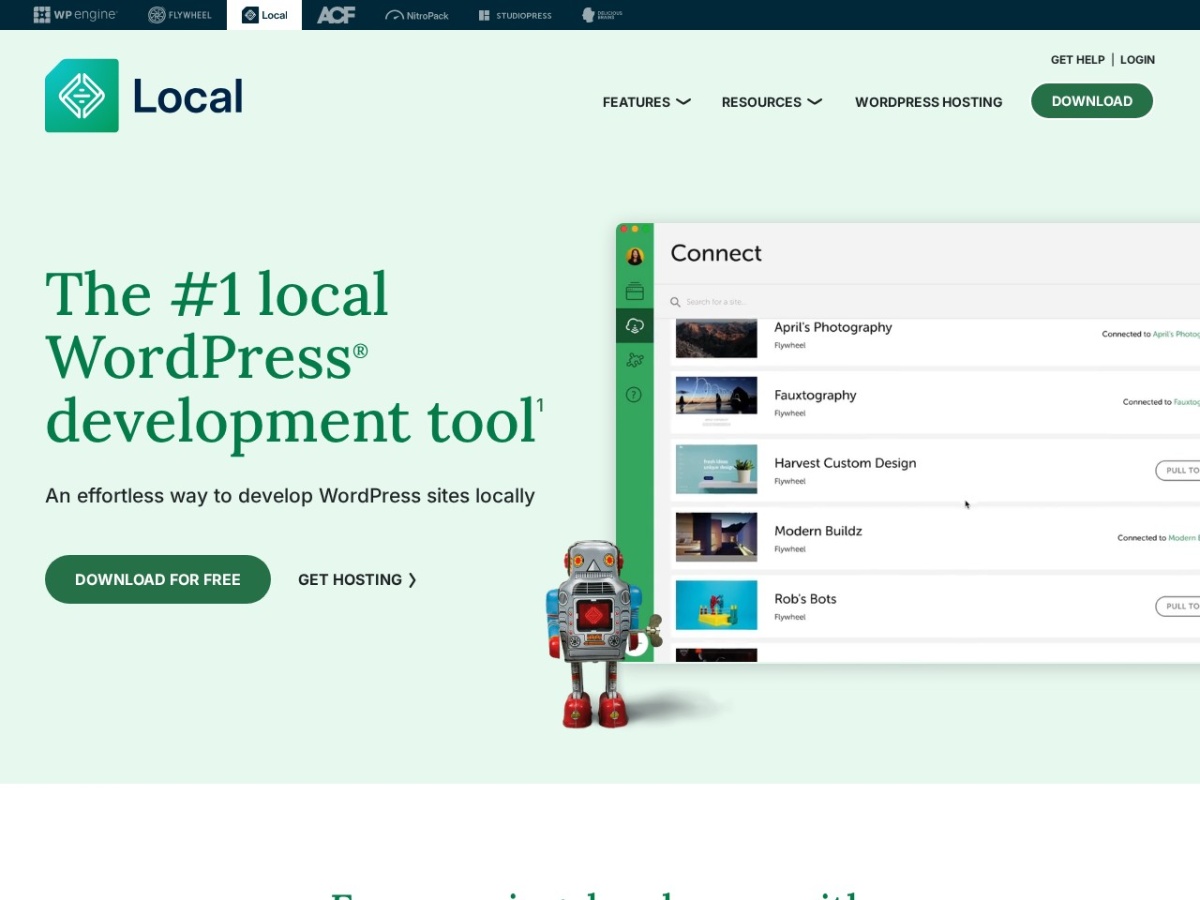
Then there is Local (formerly Local by Flywheel), widely considered the best free WordPress local-development app available. You build locally, then push to Flywheel staging or live with a click. Together these tools make Flywheel less a host and more an agency production line.
Ease of use and dashboard
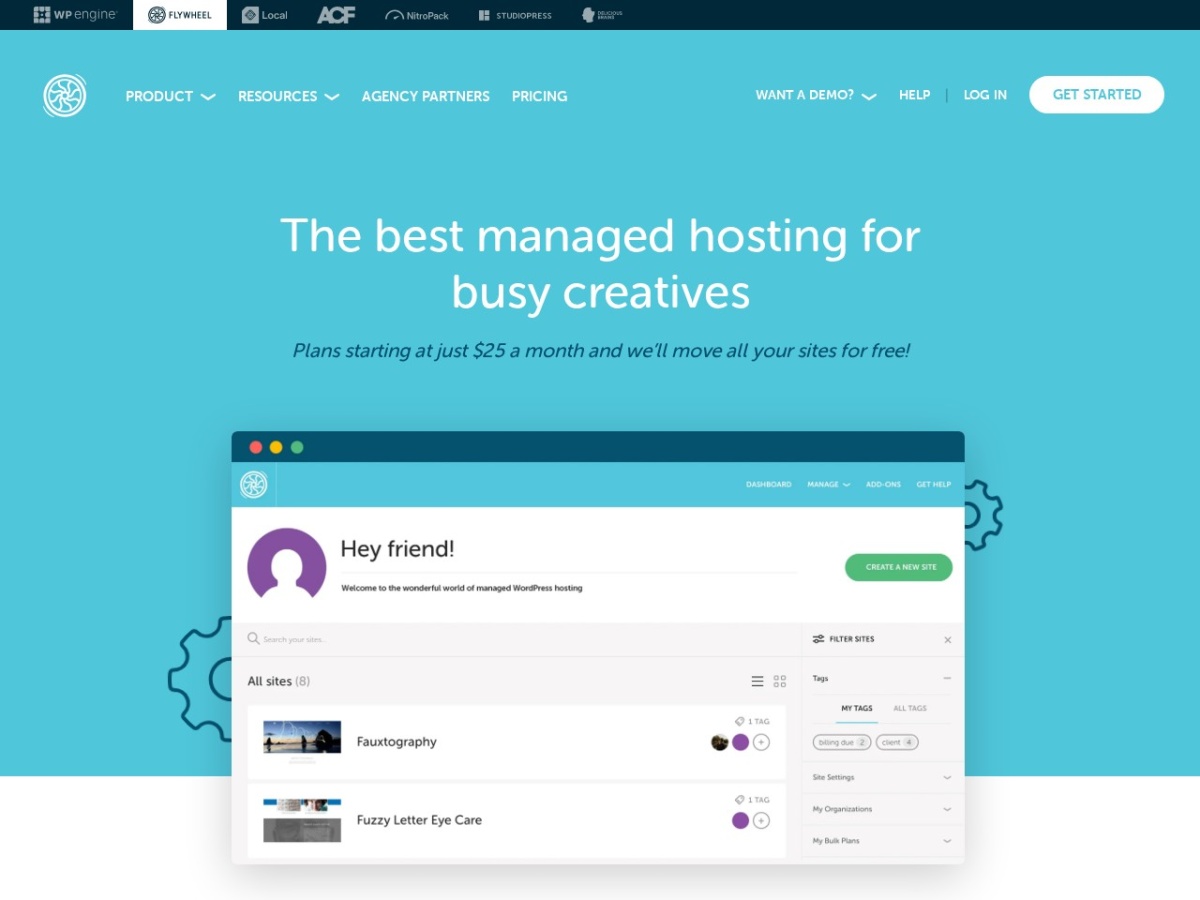
Flywheel dashboard is one of the cleanest in hosting — genuinely a pleasure to use, which matters to the design-minded audience it targets. Creating sites, managing staging, restoring backups and adding collaborators are all simple and visually clear. There is no cPanel; everything is purpose-built for WordPress.
That focus makes it approachable even for less technical designers, while still giving agencies the control they need. Support is available via chat and tickets, staffed by WordPress specialists, and the knowledge base is thorough.
Flywheel vs the alternatives
Flywheel closest comparison is its own parent, WP Engine, plus Kinsta and Pressable. Flywheel wins on design polish and agency workflow (Blueprints, billing transfer, Local); Pressable counters with no renewal hikes and Automattic backing; Kinsta targets the premium performance crowd. The right pick depends on whether workflow tooling or raw performance matters more to you.
| Host | Best for | Entry price | Standout |
|---|---|---|---|
| Flywheel | Designers/agencies | ~$13/mo | Local + Blueprints |
| Pressable | Agencies/WooCommerce | ~$20.83/mo | No renewal hikes |
| Kinsta | Premium performance | ~$35/mo | Speed |
| NameHero | Budget hosting | ~$2.24/mo | Price |
Pros and cons
Pros: Beautiful, easy dashboard; superb agency workflow (Blueprints, billing transfer, collaboration); free Local development app; Google Cloud performance (~300–500ms); nightly backups, malware scanning and CDN included; two months free on annual plans; WordPress-native and fully managed.
Cons: Premium pricing versus budget hosts; WordPress-only (no email or generic hosting); entry plans have modest visit limits; overage charges if you exceed visits; casual single-blog owners will find it overkill.
Who should use Flywheel — and who should not
Buy it if you are a designer, freelancer or agency building WordPress sites for clients, you value a polished workflow and the Local app, and you want fully managed hosting that looks and feels premium.
Look elsewhere if you need cheap hosting for a single personal blog, you want email hosting or non-WordPress sites, or you run a very high-traffic store where a performance specialist may serve you better.
Frequently asked questions
Is Flywheel owned by WP Engine?
Yes. WP Engine acquired Flywheel in 2019. Flywheel keeps its own brand and dashboard but runs on the same Google Cloud infrastructure as WP Engine.
What is Local by Flywheel?
Local is a free desktop app for building WordPress sites on your own computer, then pushing them to Flywheel staging or live. It is widely regarded as the best free local WordPress dev tool.
How much does Flywheel cost?
Plans start around $13/month (Tiny, annual) for one site, $25/month (Starter), up to about $290/month for the 30-site Agency tier, usually with two months free on annual billing.
Is Flywheel good for agencies?
Very. Blueprints, billing transfer, collaboration tools and a clean dashboard are built specifically for agencies and freelancers managing client sites.
Does Flywheel offer email hosting?
No. Flywheel is managed WordPress hosting only — you will need a separate provider for email.
The bottom line
Flywheel is managed WordPress hosting with a designer soul. Its Google Cloud performance is solid, but the real reason to choose it is workflow: Blueprints, billing transfer, collaboration and the excellent free Local app make it a genuine productivity tool for studios and freelancers. It is premium-priced and WordPress-only, but for the agency and designer audience it is built for, few hosts feel this good to use. Score: 8.3 / 10.