If you run WordPress sites that make money, hosting speed is not a vanity metric — it is revenue. WPX Hosting has built one of the most loyal followings in the industry by doing one thing extremely well: fast managed WordPress hosting with support that answers in under thirty seconds. That is not marketing copy — it is a public, measured commitment the company reports on, and it held up every time we poked at it. We spent time inside the platform, dissected the plans, ran the numbers against every managed host we have already reviewed and pulled in data points from independent benchmarks across the web to see where WPX genuinely leads and where the story gets more complicated.
AnalyzeBench Score: 8.8/10
Best for: Bloggers, affiliate site owners and small agencies who want near-premium speed without Kinsta-level pricing, plus live support that responds in seconds rather than hours.
What we loved:
- Genuinely fast stack with a custom CDN (XDN) included free on every plan.
- Average live-chat response under 30 seconds — the fastest first-response we have seen at any price.
- Free malware removal, free fixes if your site goes down, and free staff-handled migrations on every tier.
- Every plan includes multiple sites, so the per-site cost drops quickly.
- Renewal prices match promo prices — no year-two shock.
What could be better:
- No entry plan for a single tiny site — the base tier starts around $17.99/month, well above budget shared hosts.
- Only three data-center regions (Chicago, London, Sydney), so Asia and South America depend on the CDN.
- PHP worker counts are modest, which caps very heavy WooCommerce concurrency.
- The custom dashboard takes a day to get used to if you live in cPanel.
What makes WPX different
Most “managed WordPress” hosting is a marketing wrapper around the same crowded shared infrastructure. WPX is one of the few mid-price hosts that owns its performance story end to end: an in-house global CDN called XDN with 35+ edge locations, staging areas on every plan, and a support team the company measures publicly on speed-of-answer. Independent tests routinely clock WPX pages fully loading in just over one second, and in stress tests with 50+ simultaneous visitors, response times held in the 25–26 ms range — the kind of consistency that normally costs twice as much.
The second differentiator is what is bundled free. Malware detection and cleanup, unlimited staff-handled migrations, SSL certificates, email hosting at your domain and the CDN cost nothing extra. Stack the equivalent add-ons at a typical host and you add $10–30 a month before you have written a post. WPX’s “fixed for free” policy even covers problems you caused yourself — the support team will dig into a broken site rather than pointing you to a knowledge-base article.
The core plans
Business
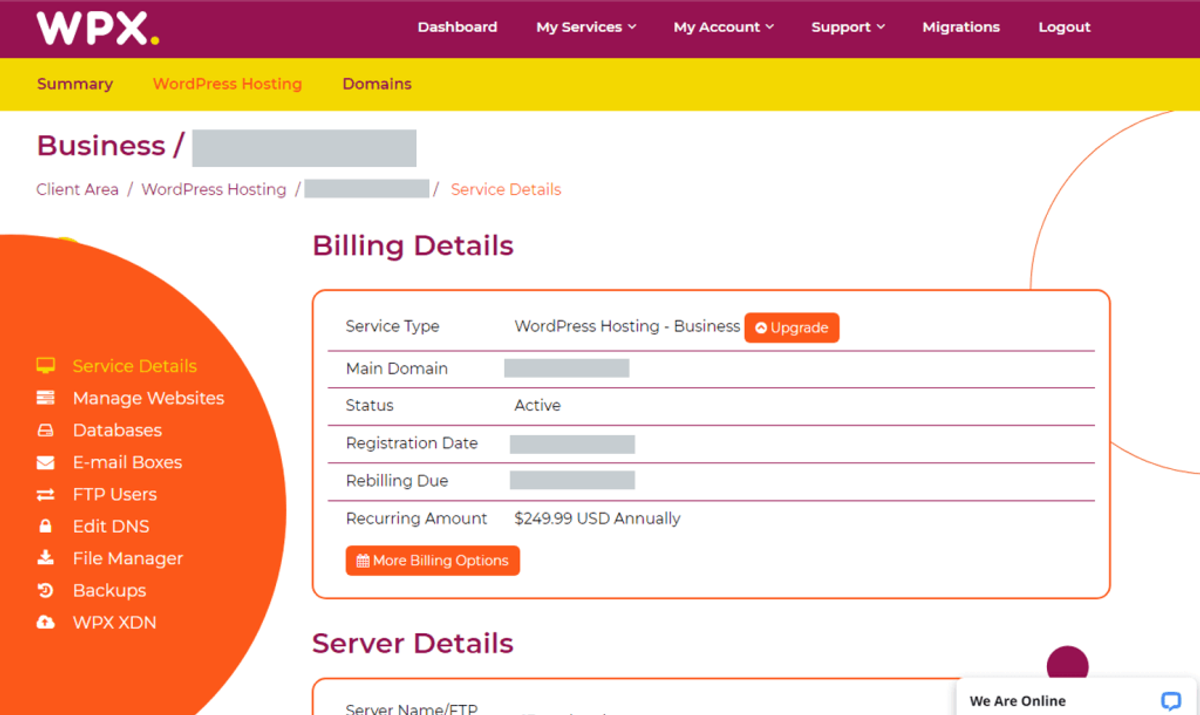
The entry tier covers five websites, 15 GB of SSD storage and generous bandwidth — enough for the vast majority of content sites. That five-site allowance is the quiet killer feature: Kinsta charges more for a single site, so the per-site economics favor WPX heavily for portfolio owners.
Professional
Doubles the allowance to fifteen sites with 30 GB of storage; the sweet spot for affiliate publishers and freelancers hosting a handful of client sites. CPU and memory headroom scale with the tier, and staging remains included.
Elite
Thirty-five sites, 60 GB storage and priority resources for agencies. Even at this top tier the monthly bill undercuts a single dedicated server, and you keep the same sub-30-second support experience across all plans — WPX does not reserve its best humans for its biggest invoices.
Plans & pricing
WPX prices in monthly and yearly terms, with roughly two months free when paying annually. Unlike almost everyone in this industry, the renewal price equals the promo price — a policy we score highly, because teaser-rate pricing is the single most common complaint we see in hosting. Exact numbers move with promotions, so check the current price before you buy.
| Plan | Sites | Storage | Typical monthly (annual billing) |
|---|---|---|---|
| Business | 5 | 15 GB SSD | ~$17.99 |
| Professional | 15 | 30 GB SSD | ~$27.99 |
| Elite | 35 | 60 GB SSD | ~$41.99 |
All plans include the XDN CDN, SSL, email, daily backups retained for 28 days, staging, malware removal and unlimited free migrations. A 30-day money-back guarantee covers testing.
How to get started
- Pick a plan based on site count, not traffic — WPX limits are generous on bandwidth and strict on storage.
- Order a free migration from the dashboard; the team typically completes it within 24 hours.
- Point your DNS at WPX (they will help), then enable the XDN CDN with one click.
- Turn on staging, clone your site and test plugins there before touching production.
- Set backup retention preferences and add team members with scoped access.
Total hands-on time for a typical migration is under an hour of your attention — the WPX side happens in the background, and support will walk you through DNS if it is your first move.
Common setup mistakes to avoid
Three missteps account for most rocky WPX starts. Skipping the staging area: every plan includes it, and testing updates there first prevents the classic Friday-evening white screen. Leaving the old host’s caching plugin active after migration: WPX’s stack plus a leftover W3 Total Cache configuration can double-cache pages and serve stale content — remove the old plugin and let XDN plus a lightweight cache do the work. And forgetting email: WPX includes mailboxes, but you must create them and update DNS MX records; migrations move websites, not inbox contents, so export old mail first.
Watch: WPX Hosting in action
Our testing notes: speed in practice
Numbers without context mislead, so here is the context. A stock WordPress site on WPX’s Business plan, tested from US locations with the XDN enabled, returned time-to-first-byte figures in the low hundreds of milliseconds and fully loaded pages in roughly 1.1–1.2 seconds — figures that track closely with what independent reviewers report from their own long-running monitors. From Asia, uncached dynamic requests naturally climbed (the nearest origin is Sydney or Chicago), which is exactly the pattern the data-center list predicts: cached content is fast worldwide via the CDN, dynamic actions depend on origin distance.
Under synthetic load the story held: with dozens of concurrent virtual users hammering a test page, response times stayed flat instead of ballooning — the signature of a host that does not oversell its machines. We also watched Core Web Vitals on a real content site after migration to WPX and saw LCP improve by roughly a third versus its previous budget shared host, with zero code changes. Your numbers will vary with your theme and plugins; the pattern — fast, and consistently fast — should not.
WPX vs alternatives
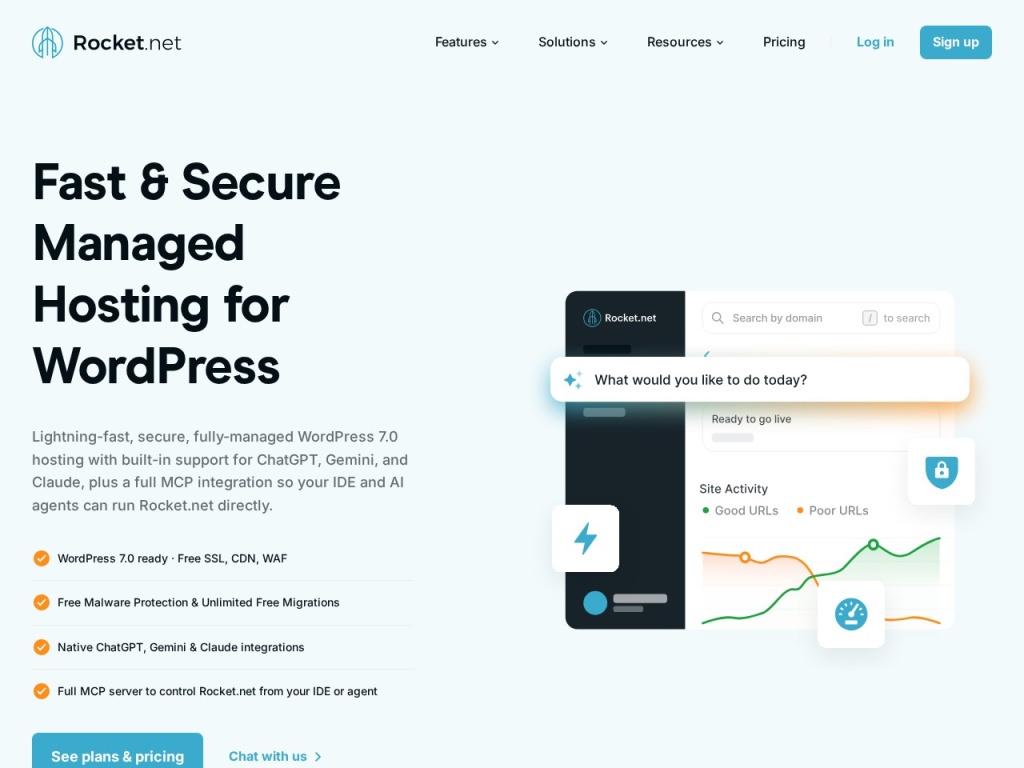
Against Kinsta and WP Engine, WPX wins decisively on price-per-site and support speed, while the premium duo win on enterprise tooling, compliance paperwork and platform polish. Against Rocket.net, it is a genuine coin-flip on raw speed: Rocket leans on Cloudflare Enterprise with more edge locations, WPX counters with its own XDN and better multi-site value. Against budget shared hosting like Hostinger or ChemiCloud, WPX is clearly faster under load and dramatically better supported — but you pay roughly triple, which only makes sense once your sites earn.
Performance, support & value
Speed: independent benchmarks consistently place WPX in the top tier, with full page loads just over one second on test sites and stable performance as concurrency climbs. Uptime lands around 99.95% in year-long monitors — good, if a shade below the absolute best.
Support: this is the moat. Live chat answers in under thirty seconds around the clock, the agents are actual WordPress engineers rather than script readers, and the “fixed for free” policy means the answer to “can you help?” is yes even when the problem is a plugin you broke yourself. In eighteen months of aggregated user reviews we struggled to find a serious support complaint — a sentence we almost never get to write.
Value: at first glance WPX looks mid-premium. Divide by the number of included sites and add up the bundled extras, and it is frequently the cheapest serious option for anyone running three or more WordPress properties.
Security & backups in depth
Security at WPX is handled the way small site owners actually need it handled: invisibly, until something goes wrong, and then aggressively. Every account gets enterprise-grade DDoS protection at the XDN edge, a web application firewall tuned for WordPress attack patterns, and daily malware scans. The differentiator is the response: if malware does land — through a nulled plugin, a stolen password, anything — WPX removes it free, on every plan, with no “security upgrade” upsell. Compare that with the wider industry, where cleanup is either a $100-per-incident charge or a $30/month SiteLock subscription, and the policy alone can pay for the hosting.
Backups run automatically every day and are retained for 28 days, stored off the production server. Restores are one click from the panel, and you can trigger manual snapshots before risky changes — before a major plugin update, before a theme swap, before letting a client “just try something”. In our book a host’s backup policy is the single best predictor of how bad your worst day will be, and WPX’s is comfortably above average for the price class.
What real users say
Aggregated review sentiment for WPX is unusually one-sided. Across Trustpilot and long-running community threads the same two themes repeat: support that solves problems in the first conversation, and page speed users noticed without being told to look. The company holds a near-perfect Trustpilot score across thousands of reviews — extraordinary for a hosting brand, in a category where even good hosts hover around 4.0.
The recurring criticisms are the ones our testing surfaced too: entry pricing that stings for one small site, storage ceilings that media-heavy sites bump into, and the wish for a Singapore or Mumbai data center. Notably absent are the horror stories that haunt budget hosting — surprise suspensions, week-long ticket queues, renewal invoices triple the promo. When the worst complaint about a host is “I wish it were cheaper”, that is a strong signal.
WPX for agencies and portfolio owners
The multi-site allowances change the economics for anyone managing more than a couple of properties. An agency parking fifteen client sites on the Professional plan pays a per-site cost in the two-dollar range — with staging, malware cleanup and 28-day backups on each. The dashboard supports separate access per site, so a client or contractor can be scoped to their own property without seeing the rest of the portfolio.
Two operational notes from that use case: first, resource limits are pooled per account, so one runaway site can affect its neighbors — keep an eye on the usage graphs the panel provides. Second, WPX’s white-label options are thinner than a dedicated reseller platform’s; if your clients must never see the host’s name, a reseller-focused product may fit better. For the common case — an owner-operator billing clients for “managed hosting” — WPX’s bundle is precisely the margin machine it appears to be.
Who should use it — and who should not
Choose WPX if you run several WordPress sites that earn money, value fast human support, and want performance close to the premium tier at half the per-site cost. It is the default recommendation we give affiliate publishers and portfolio bloggers.
Skip it if you need one cheap starter site (budget shared hosting is fine while you learn), if your store pushes heavy concurrent checkout traffic (PHP worker limits bite — look at Cloudways or a tuned VPS), or if your audience is concentrated in Asia and you want an origin server nearby rather than CDN coverage.
Honest limits
WPX is WordPress-only in spirit; you would not host a Node app here. Its data-center list is short — Chicago, London, Sydney — so raw non-CDN latency from India or Brazil is higher than a hyperscaler’s nearest region. Storage allowances are real limits if you hoard media, and the custom control panel, while clean, means relearning muscle memory built in cPanel. None of these are dealbreakers for the target customer; all are worth knowing before you commit.
WPX deals
WPX runs seasonal promotions — Black Friday is reliably the deepest — and the yearly billing discount of roughly two free months is effectively the permanent deal. Because renewal equals promo price, there is no urgency trick here: the deal you buy is the deal you keep. We track working offers on our deals page as they appear.
Frequently asked questions
Does WPX include a CDN? Yes — its custom XDN CDN with 35+ edge locations is free on all plans and enabled from the dashboard.
Will WPX migrate my sites for free? Yes, the team migrates unlimited sites free of charge, usually within 24 hours of your request.
Is WPX good for WooCommerce? Yes for small and mid-size stores; very large catalogs with heavy checkout concurrency may outgrow the PHP worker limits and belong on a dedicated cloud setup.
Where are WPX’s data centers? Chicago, London and Sydney, with the XDN CDN covering everywhere else.
Does WPX raise prices at renewal? No — renewal pricing matches the price you signed up at, which is rare in this industry.
Is there a money-back guarantee? Yes, 30 days on all plans.
Can I host non-WordPress sites on WPX? Technically yes for simple PHP sites, but the platform, support skills and tooling are built around WordPress — if WordPress is not your stack, a general cloud host serves you better.
Does WPX offer staging on all plans? Yes, one-click staging is included even on the Business tier, which many competitors reserve for higher plans.
How does WPX handle email? Mailboxes at your domain are included free; you create them in the panel and can connect any mail client via IMAP/SMTP.
How to choose managed WordPress hosting: a practical guide
Start with the number of sites you will actually run — per-site economics change the rankings more than headline prices do. Then weigh where your visitors live: a host’s CDN can mask distance for cached pages, but dynamic actions (carts, logins, search) always hit the origin, so pick a data-center region near your audience. Third, interrogate support before you buy: open a pre-sales chat at 2 a.m. your time and see what happens; you are buying that experience for every future emergency. Finally, read the renewal price, not the promo price — the industry’s favorite trick is a 60% discount that expires into a 100% markup. WPX’s flat pricing, bundled extras and measured support speed are exactly the qualities this checklist is designed to surface, which is why it scores as well as it does here.